
1. Open the Proforma Invoice you want to configure, such as SIM–PI–S0035–01. 2. At the bottom of the “Shipping Information” card, click “Shipping Method” among the links for empty fields. 3. Enter the shipping method, using up to 20 characters, then click “Save”. If you enter 21 characters, the screen displays “21/20”, and clicking “Save” shows the message “Maximum 20 characters”. You must shorten the text before you can save it. 4. After confirming the information is correct, click “Submit” in the upper right to submit the changes.
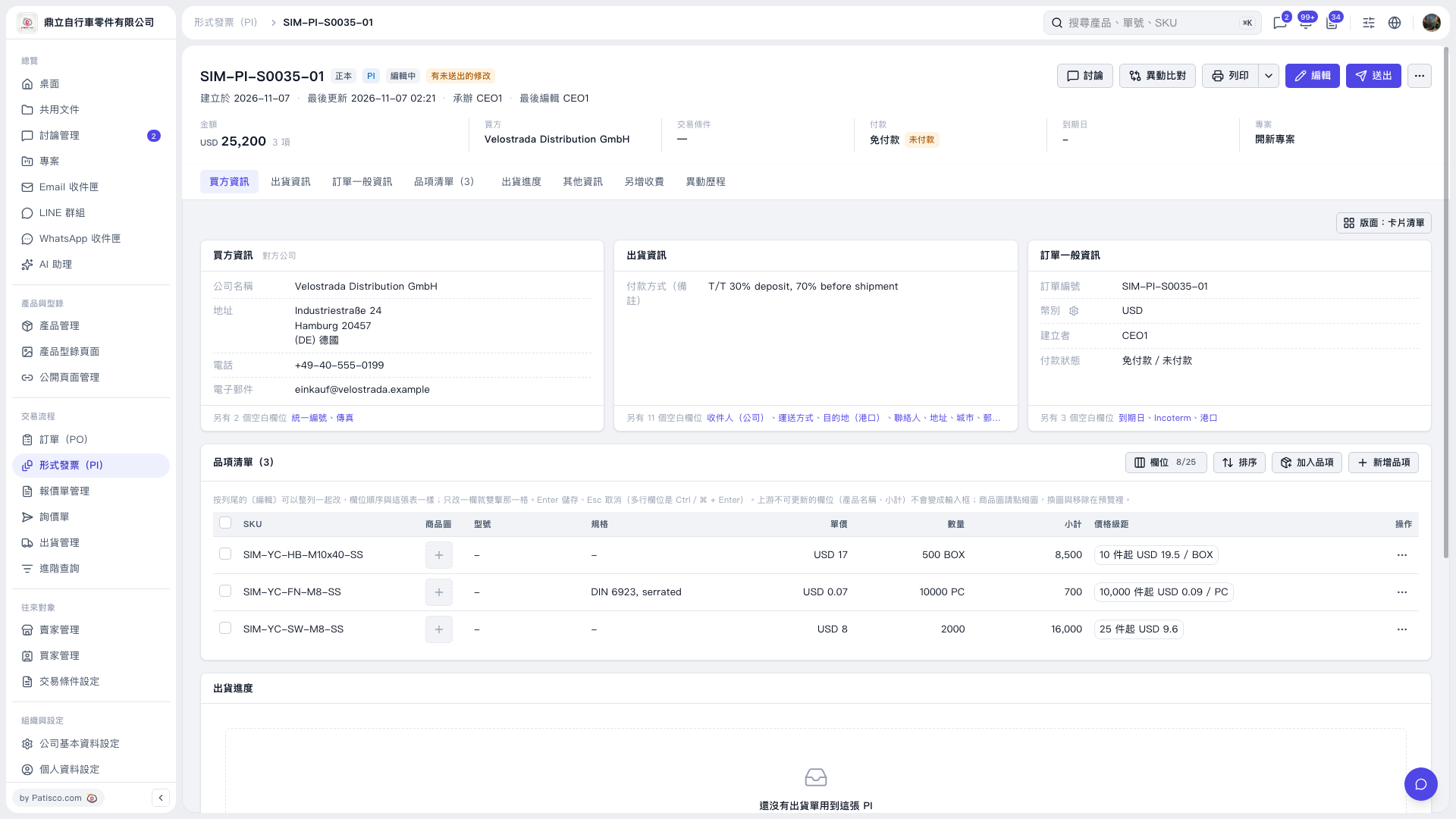 V5 新桌面版|SIM–PI–S0035–01