
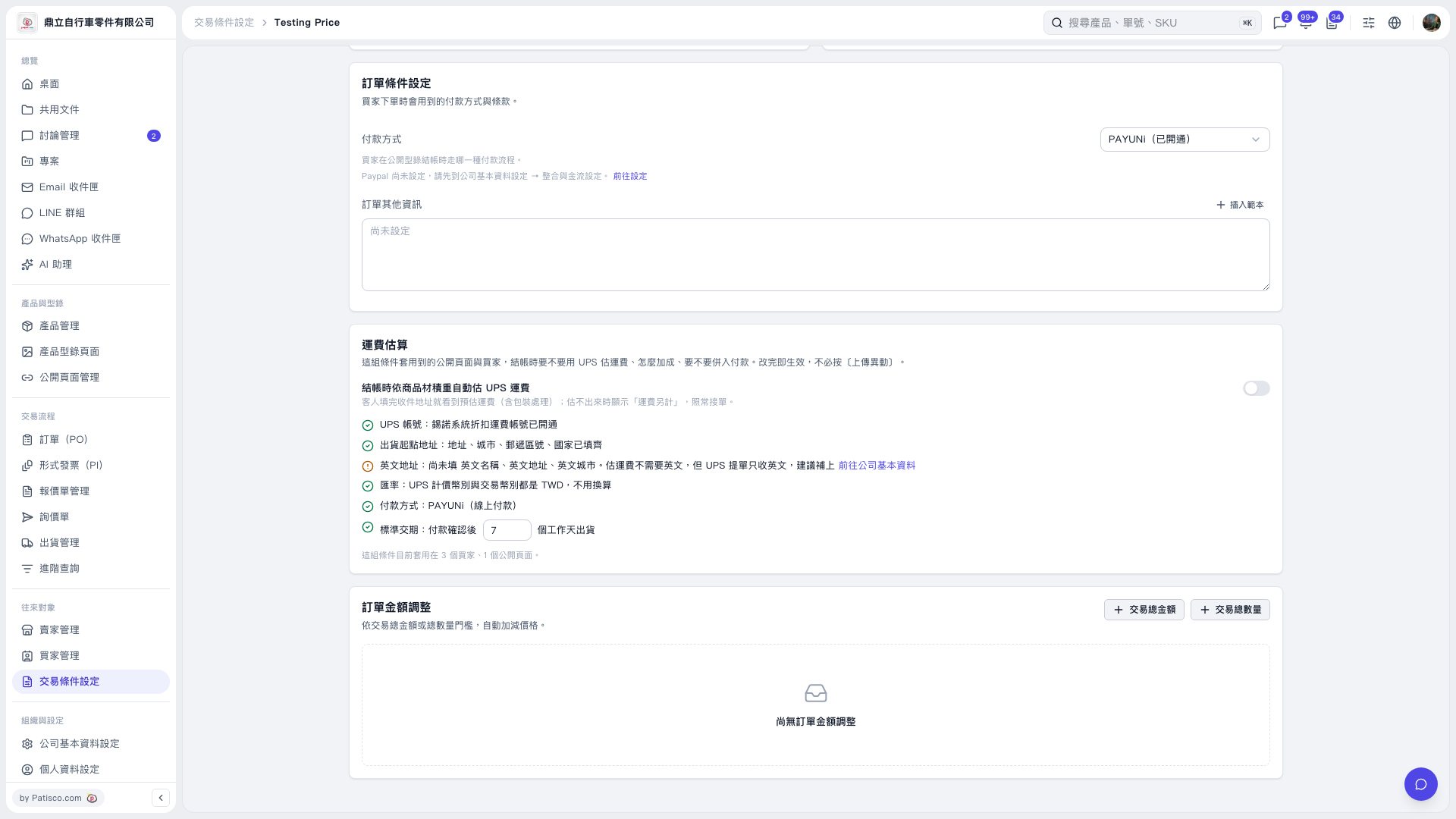
1. Under “Trading Condition Setting” on the trading conditions page, use the “Payment Method” drop-down menu to select the payment method buyers use at checkout. It currently displays “PAYUNi (Enabled)”. 2. To configure PayPal, click “Go to Settings” at the end of the PayPal help text to open the integration and payment settings in Company Information. 3. Enter the PO terms in “Other PO Information”. You can also click “Insert Template” to add template content. 4. Change the number of days in “Standard Lead Time: Number of business days until shipment after payment confirmation”. It is currently set to 7 business days.
 V5 新桌面版|Testing Price