
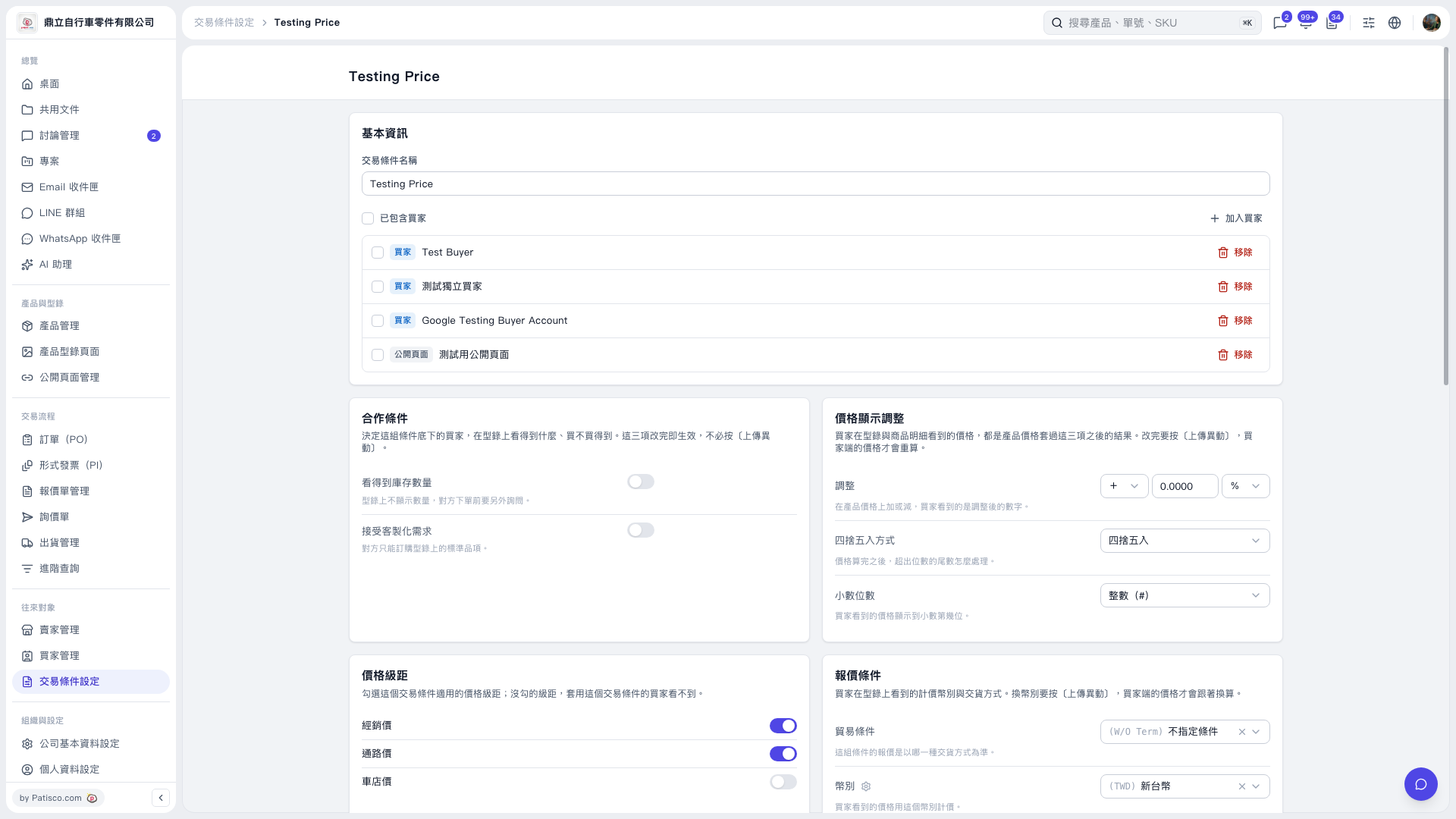
1. Open the trading conditions you want to configure, such as “Testing Price”. 2. Click “Add Buyer” on the right side of the basic information section to add a buyer to whom these trading conditions apply. 3. To remove an association, find the entry in the “Buyers / Public Pages” list and click “Remove” on the right side of that row.
 V5 新桌面版|Testing Price