
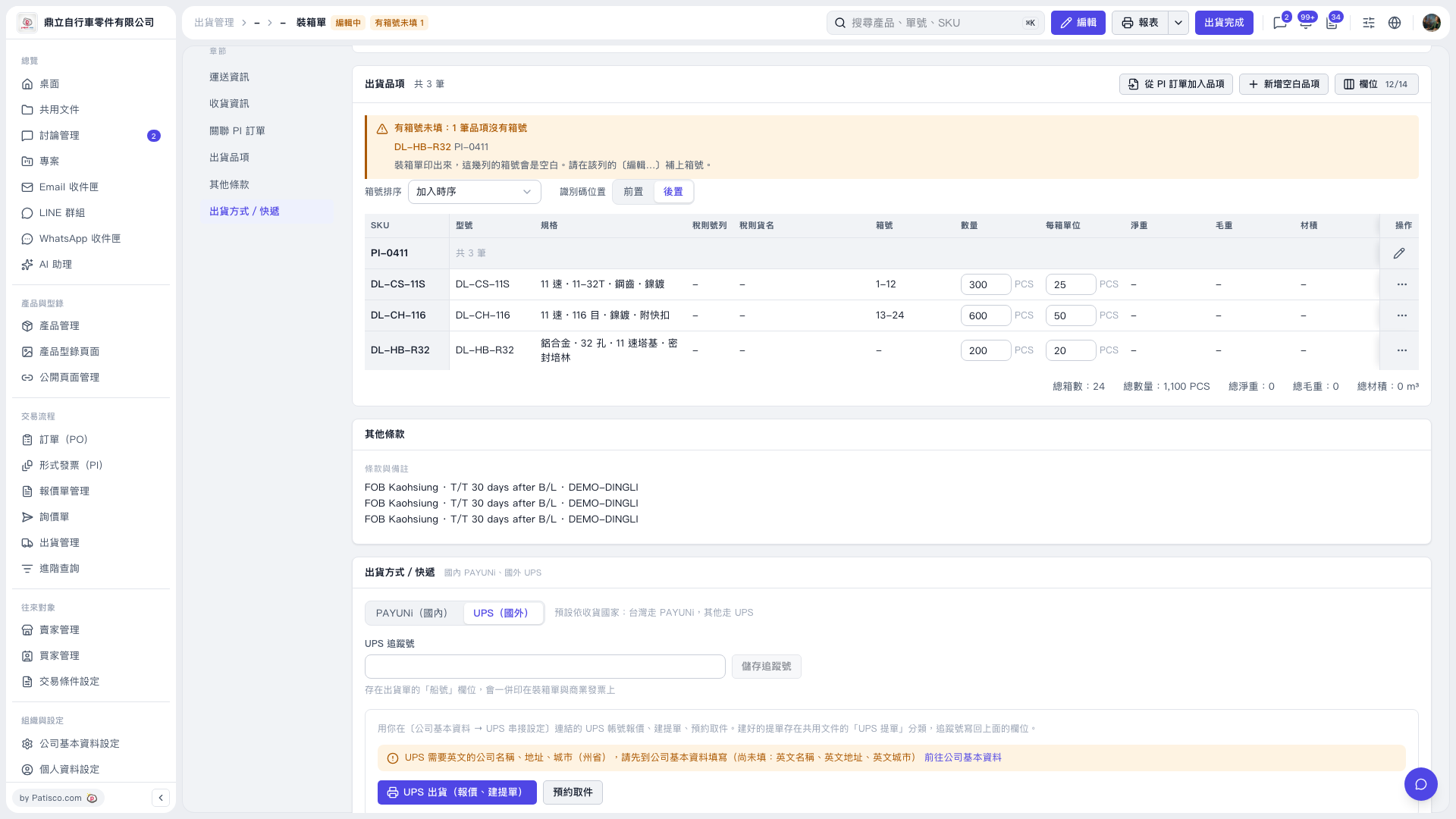
1. Check the message explaining why “Create Waybill” is disabled. In this case, the screen displayed: “UPS requires the company name, address, and city (state/province) in English. Please complete these in Company Information first.” 2. Click “Go to Company Information”, complete the company name, address, and city in English, then return to the packing list. 3. Make sure the goods description is filled in, get rates, and select a service before proceeding to “Create Waybill”. Even after entering the goods description in English, you must still complete the other required information and steps.
 V5 新桌面版|裝箱單