
1. In the "Documents Requiring Attention" section of "Desktop – Analytics," check documents under "Past Due" and "Sync Required." 2. Click the "Document Number" of a document that needs attention to view its contents and take further action. 3. After returning to the desktop, click "Refresh" to update the list. You can also switch between "List" and "Timeline" to change the display.
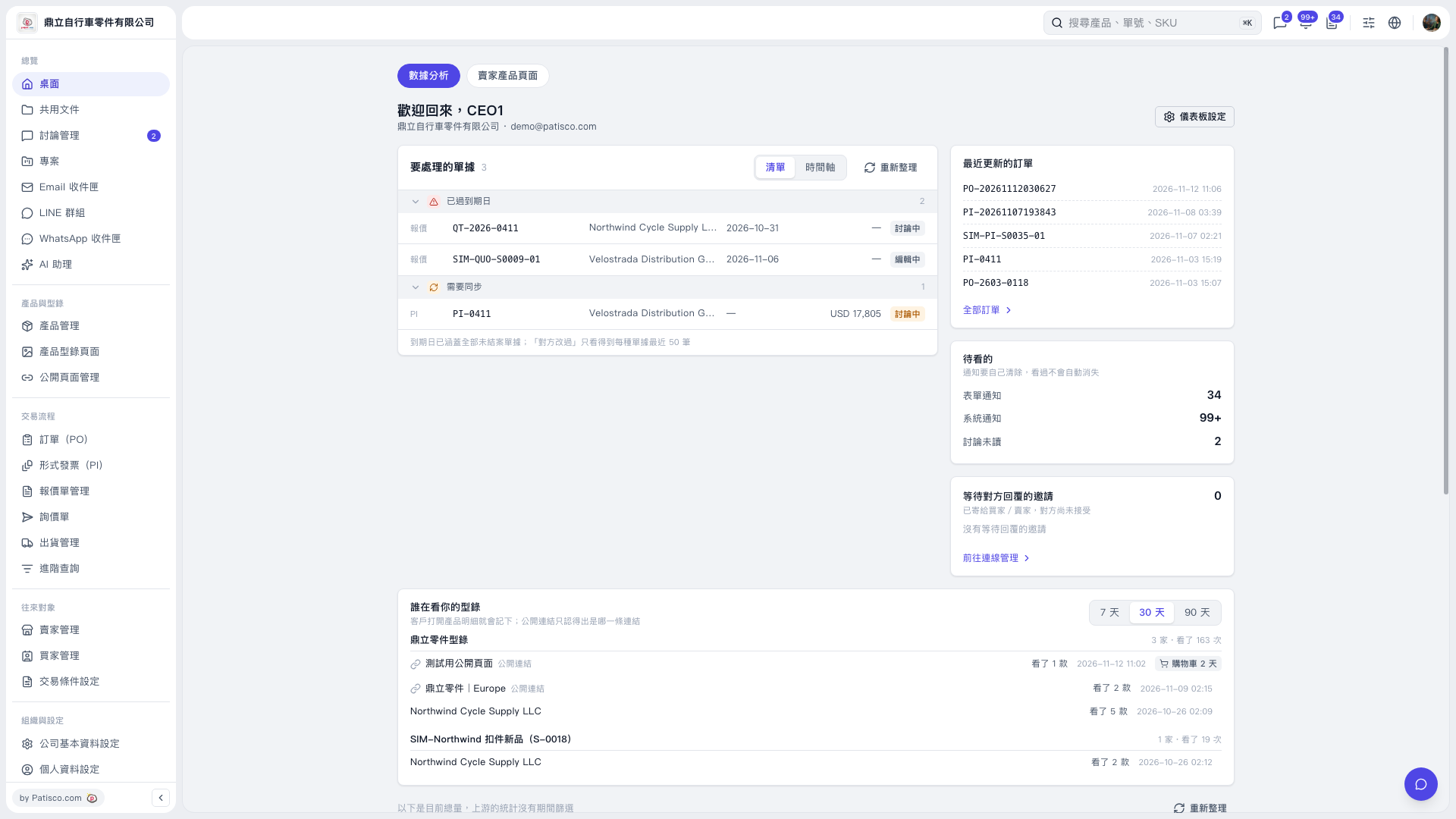 V5 新桌面版|桌面-數據分析