
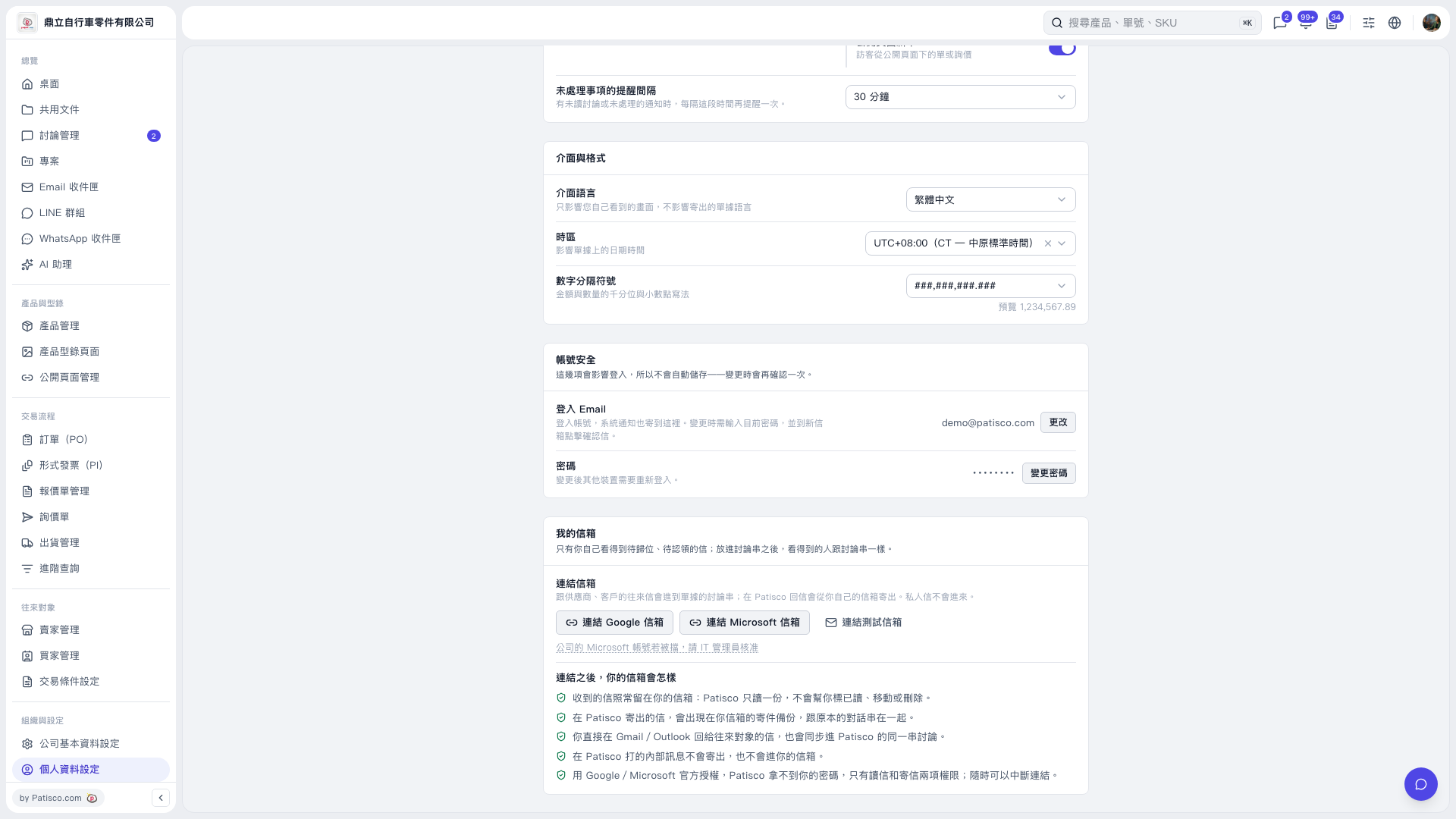
1. In the "My Email" section of the "Profile Settings" page, click "Connect Microsoft Email." 2. Follow the authorization process to sign in to your Microsoft account and grant access. 3. If authorization for your company account is blocked, refer to the message below the button, "If your company's Microsoft account is blocked, ask your IT administrator to approve access." Ask your company's IT administrator to approve access, then connect the account again.
 V5 新桌面版|個人資料設定