
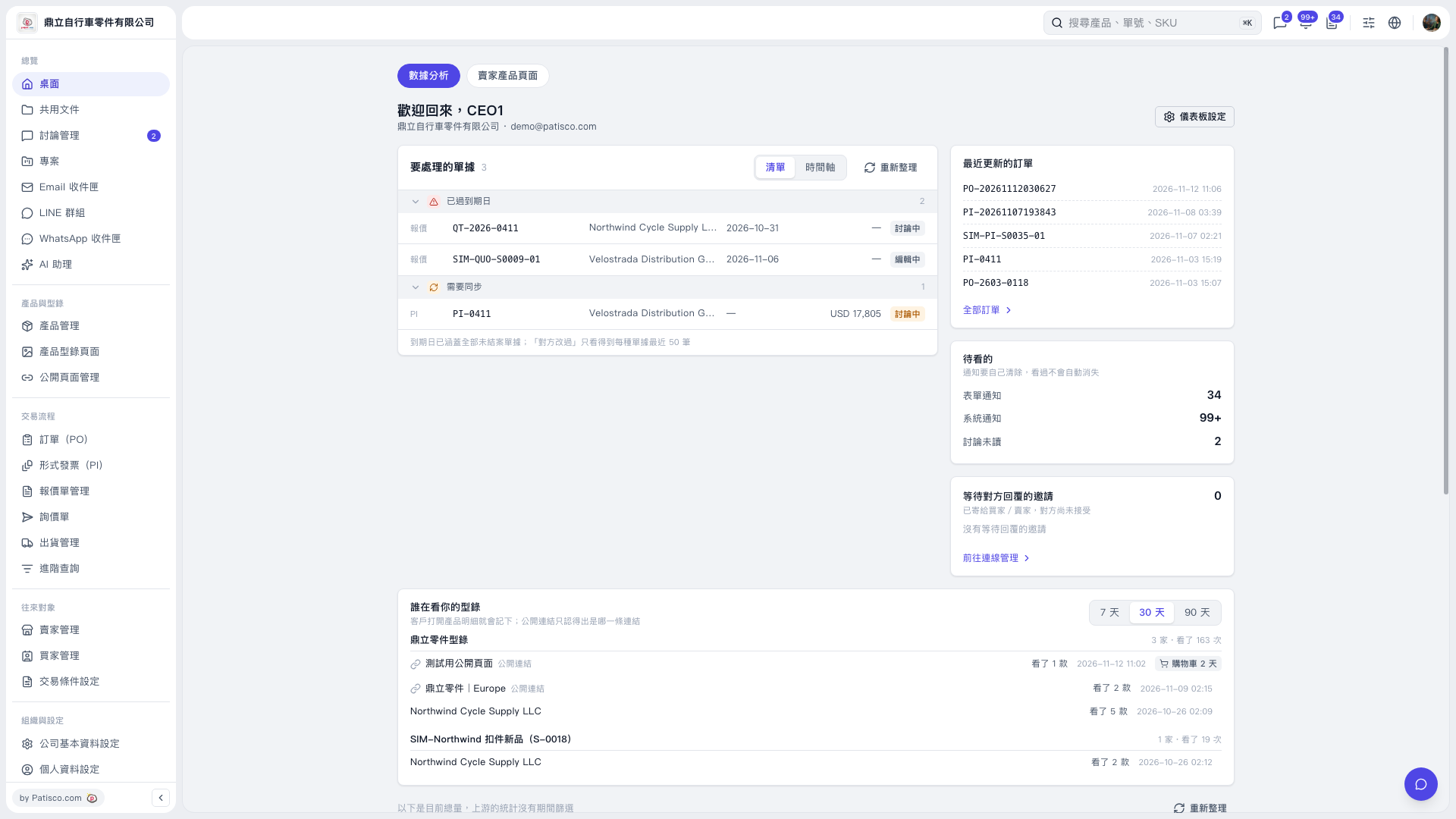
1. Find the "Who Is Viewing Your Catalogs" section in "Desktop – Analytics." 2. Click "7 Days," "30 Days," or "90 Days" to switch the reporting period. "30 Days" is currently selected. 3. Review the catalog name, viewing company or public link, number of products viewed, viewing time, number of companies, and number of views.
 V5 新桌面版|桌面-數據分析