
1. Click "Connect Email" in the center of the page, or click "Profile Settings" in the "Organization & Settings" section at the bottom of the left sidebar. 2. Follow the on-screen instructions to go to "My Email" and connect a Google or Microsoft email account. 3. After connecting, return to "Email Inbox" to view incoming and outgoing emails. Tabs will appear only after an email account is connected.
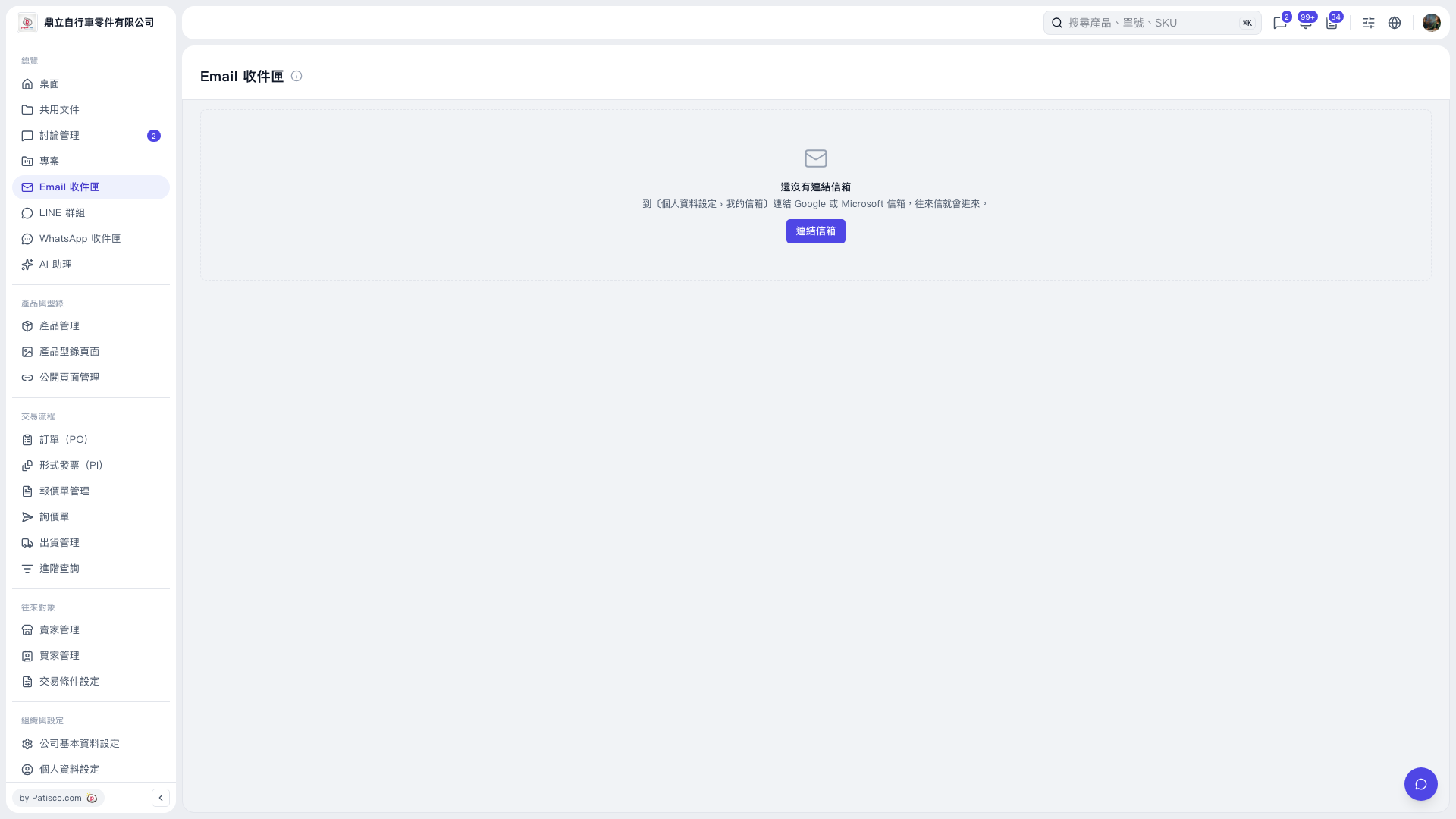 V5 新桌面版|Email 收件匣