
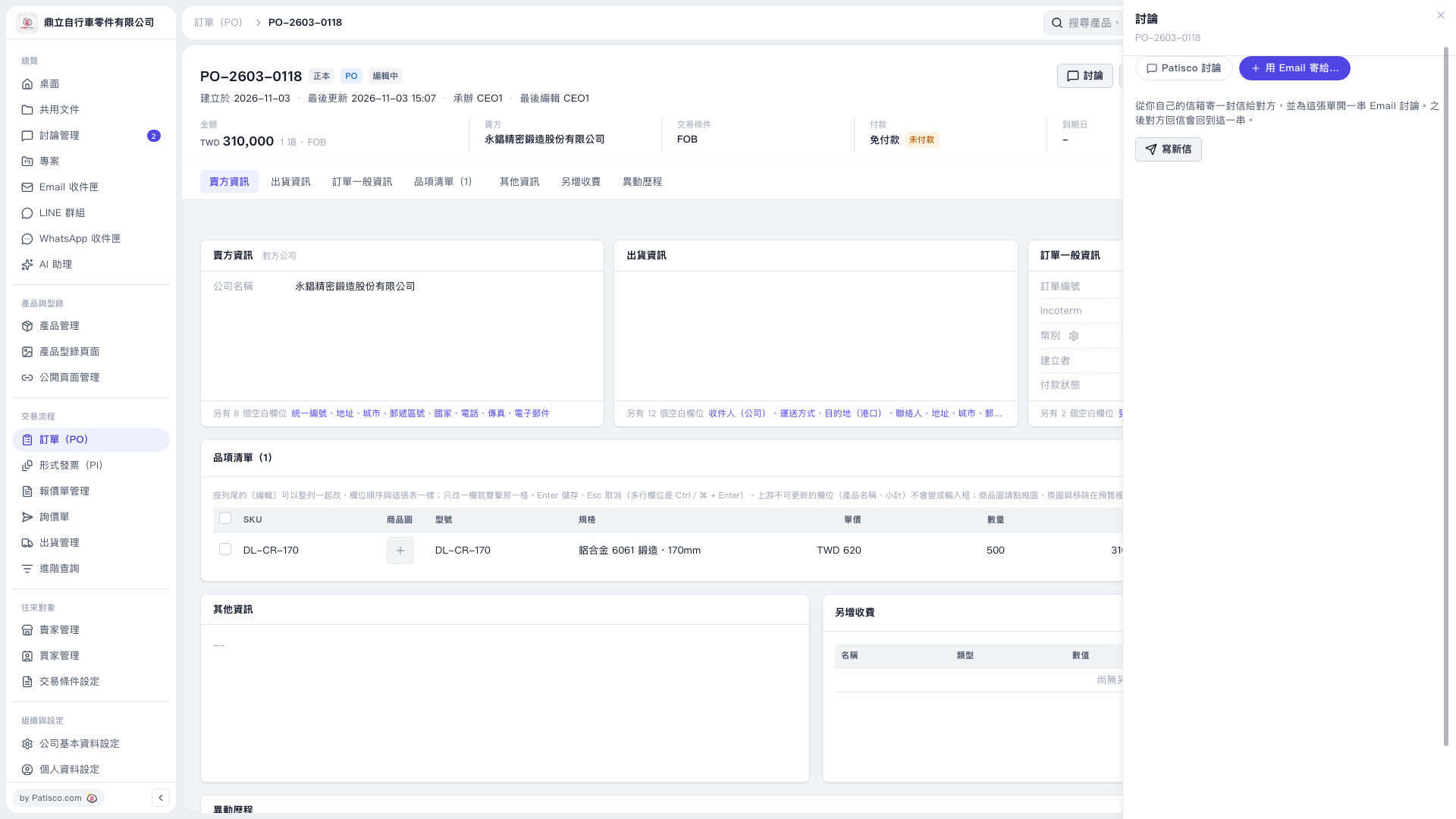
1. Open the PO you want to send and first check the PO number, seller, amount, and item details. 2. Click "Discussion" in the upper-right corner, then select "+ Send by Email to…" in the right panel. 3. Click "Compose New Email" to start composing. The email will be sent to the other party from your own email account, and an email discussion thread will be created for this PO. 4. Check the recipient. In this test, the seller has no email address, so the recipient field is blank by default and must be filled in manually. 5. Make sure "Attach this PO's PDF" is checked, and check the PDF language. In this test, the default is "English."
 V5 新桌面版|PO–2603–0118