
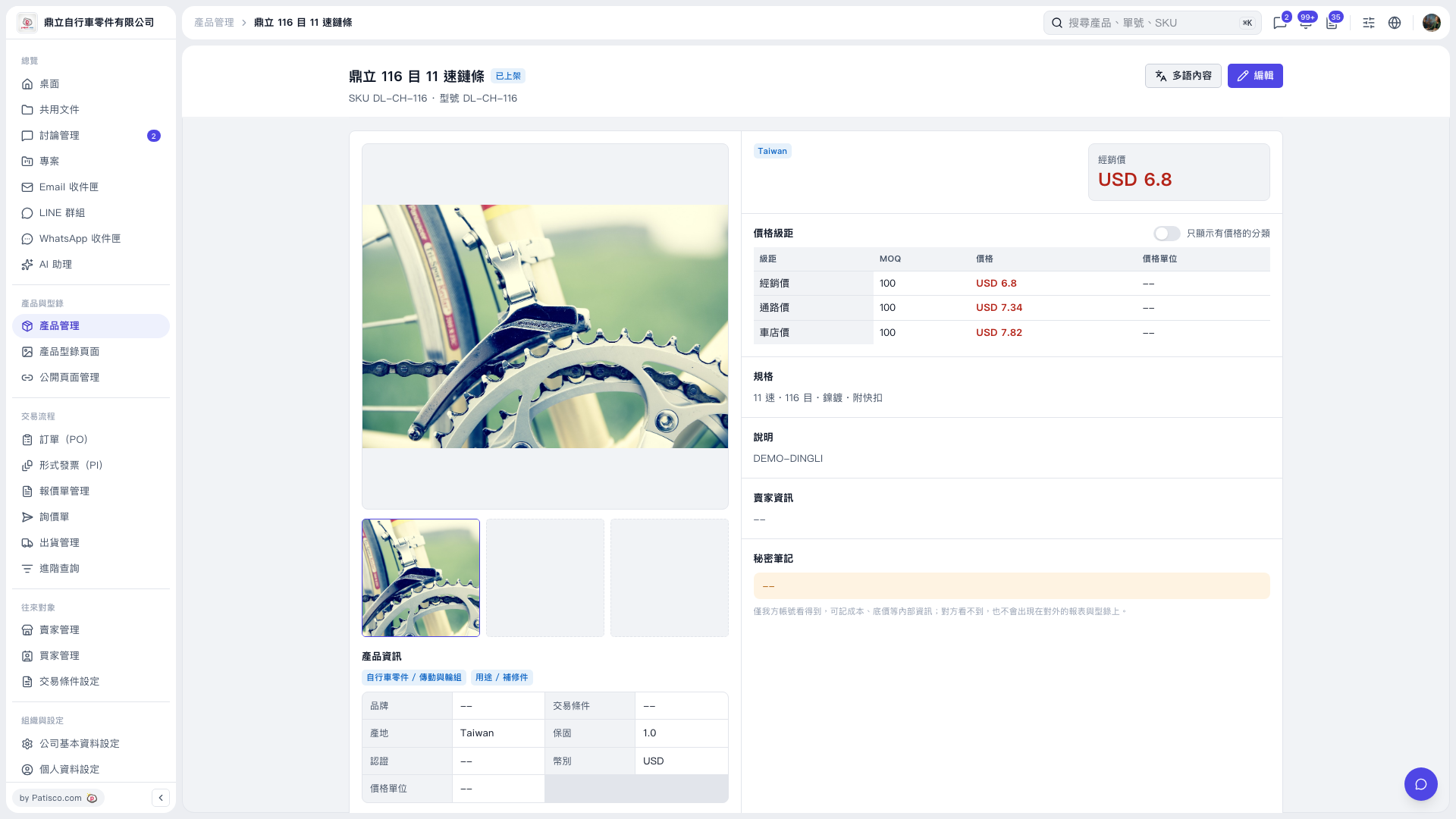
1. On the product details page, first check the product name, SKU, and model number at the top to make sure it is the product you want to work with. 2. Review the product information, pricing tiers, specifications, and description. Click a product image thumbnail below the main image on the left to view the corresponding image. 3. To edit the information, click “Edit” in the upper-right corner to open the editing screen for this product. 4. To return to the product list, click “Product Management” in the breadcrumb navigation at the top.
 V5 新桌面版|鼎立 116 目 11 速鏈條