
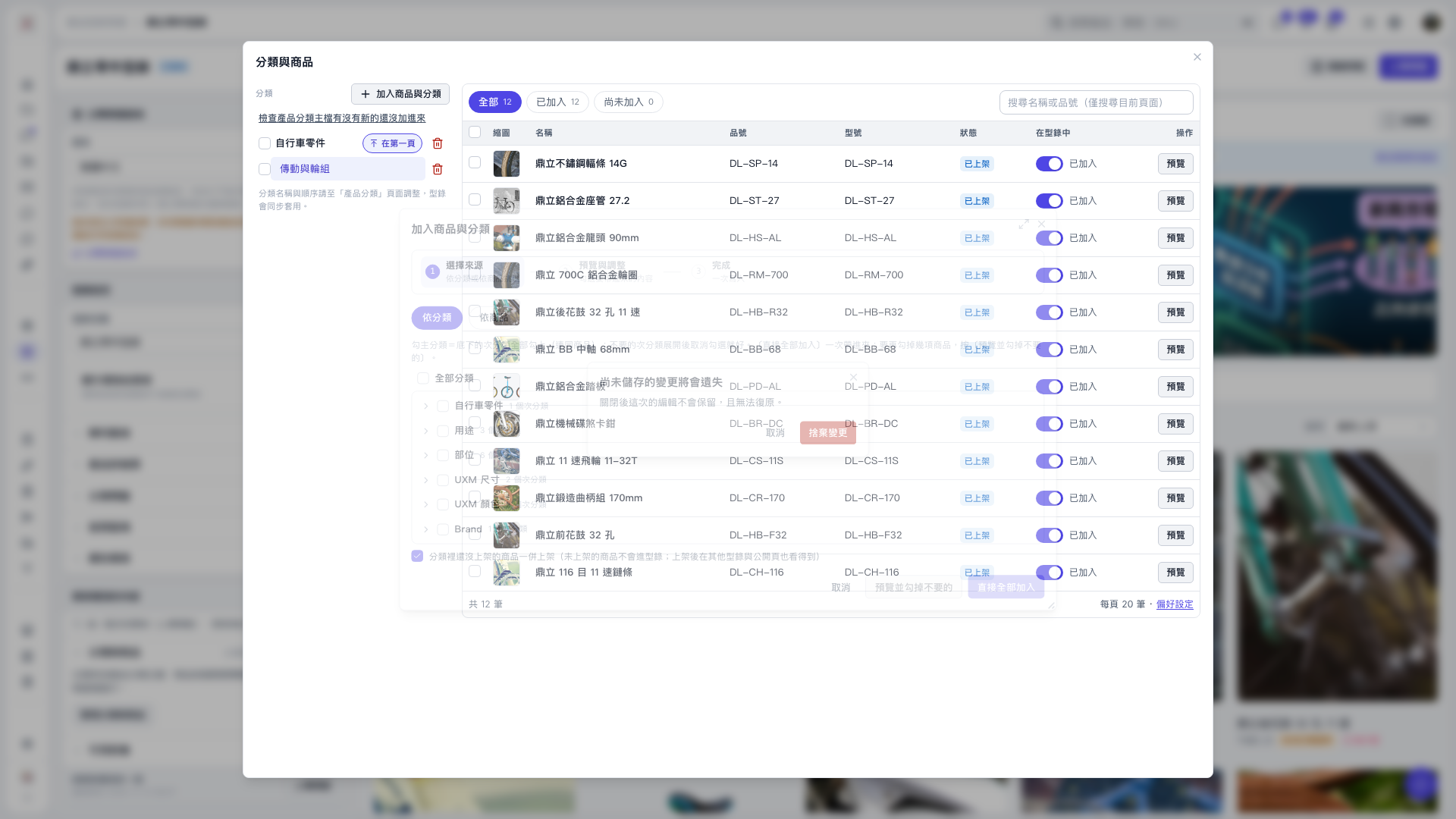
1. After selecting the source content in “Add Products and Categories”, click “Preview and Deselect Unwanted Items”. 2. All categories and products in the preview are selected by default. Deselect the items you do not want, then click “Confirm Addition” to add them to the catalog. 3. To discard this editing session, click the close icon in the upper-right corner. When the unsaved changes confirmation dialog appears, click “Discard Changes” to discard the changes and close the window, or click “Cancel” to return and continue editing. 4. You can ask: “After I deselect products in the preview, have the products already been added to the catalog?” The AI would reply: “Not yet. Deselecting only changes the selection on the screen. You need to click ‘Confirm Addition’ to add the products.”
 V5 新桌面版|分類與商品