
1. On the “PO Details: PO-2603-0118” page, verify the PO number, amount, trading conditions, and payment status. 2. Check the SKU, unit price, quantity, and subtotal in the product details, as well as other charges and the PO total. 3. To edit the PO, click “Edit” at the top right. To edit an individual product line, click “Edit” on the right of that row. 4. After checking the details, click “Confirm” at the top right and follow the system prompts to complete the process.
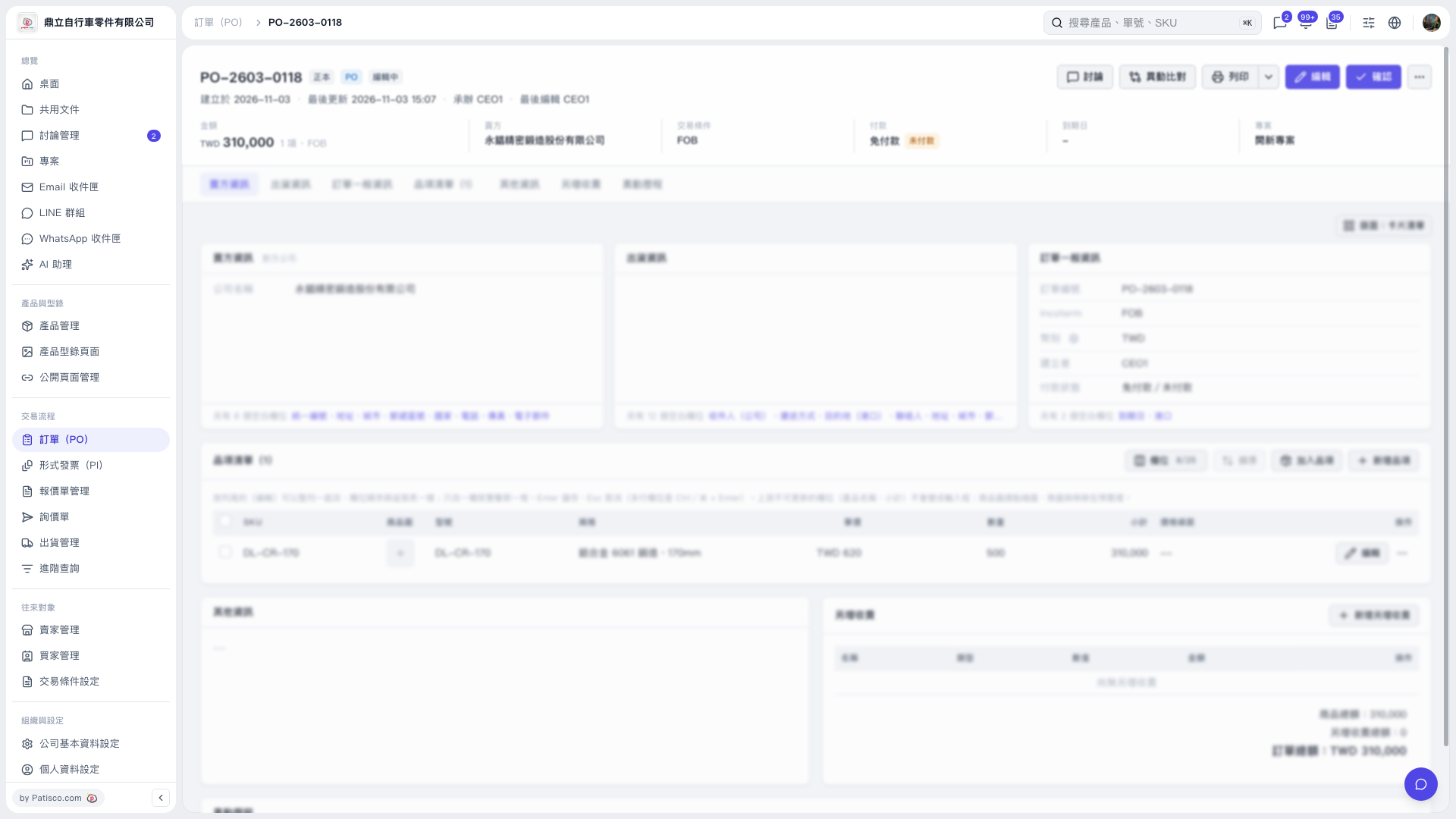 V5 新桌面版|訂單詳情:PO-2603-0118