1. Open the details page of the PO you want to print. 2. Click “Print” at the top right. To select related print options, click the drop-down menu next to “Print”.
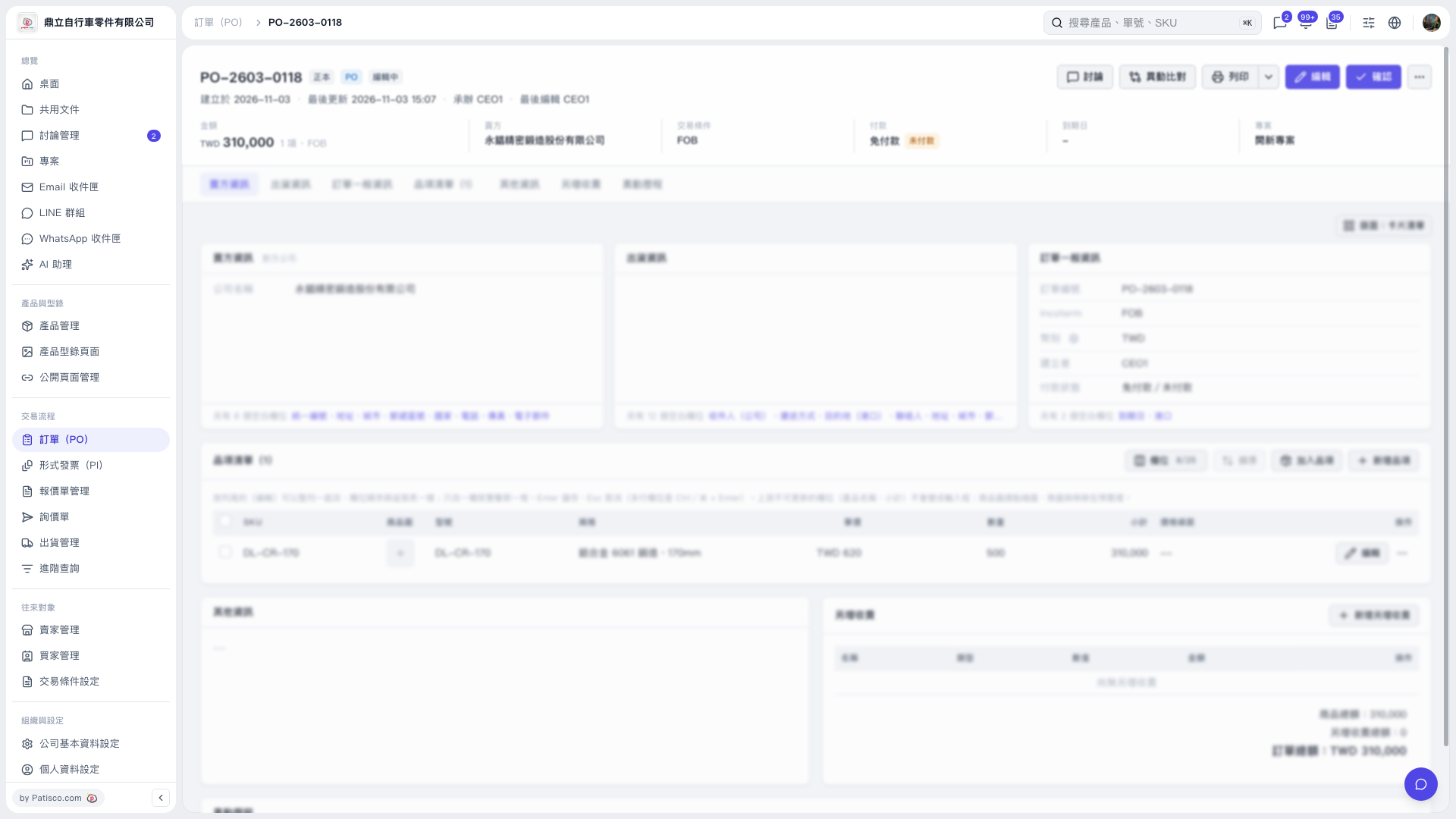 V5 新桌面版|訂單詳情:PO-2603-0118

1. Open the details page of the PO you want to print. 2. Click “Print” at the top right. To select related print options, click the drop-down menu next to “Print”.
V5 新桌面版|訂單詳情:PO-2603-0118