
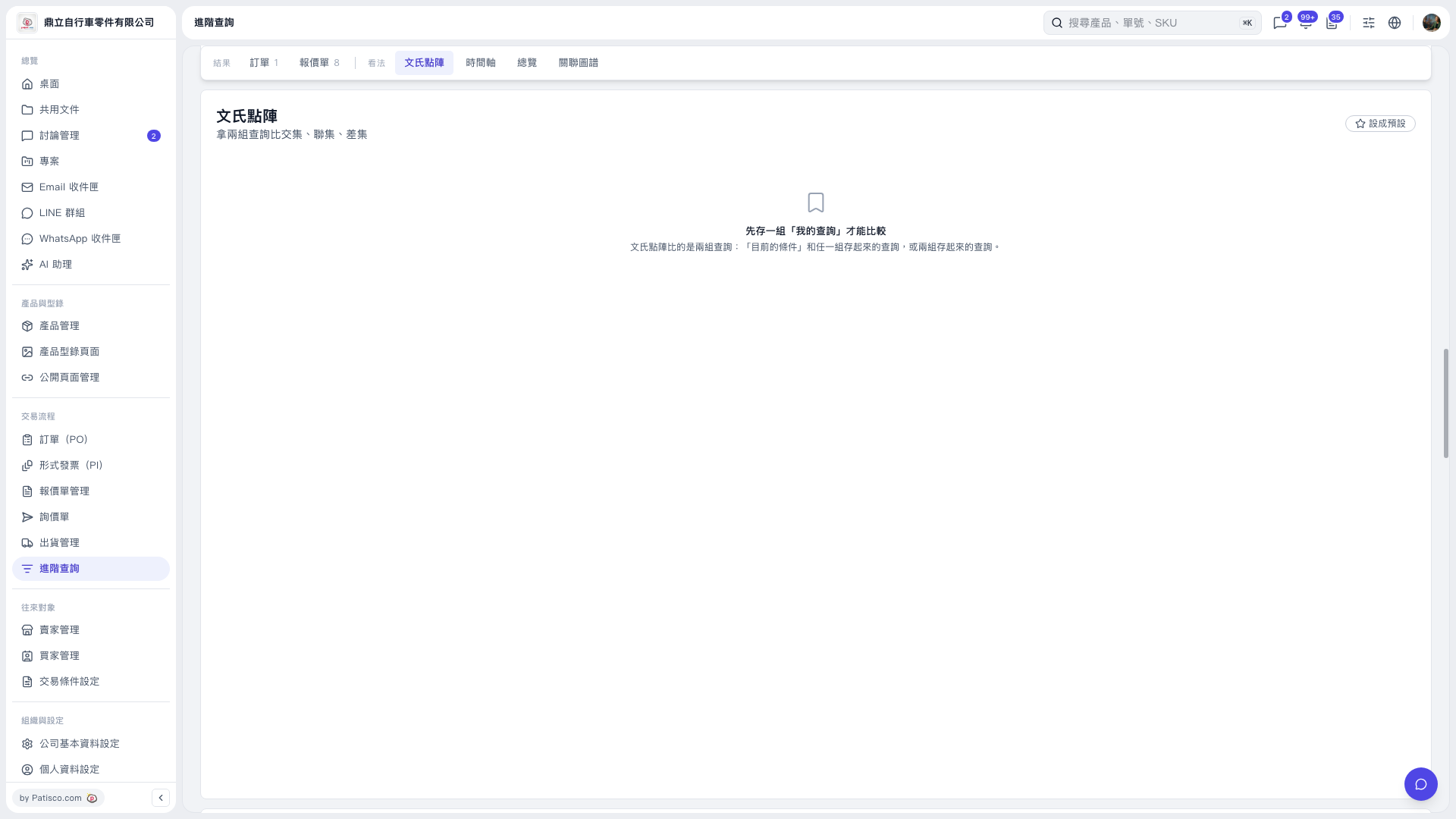
1. Before using the “Venn Diagram”, save at least one set of conditions in “My Searches”. The current screen does not show an option to save them. 2. Return to “Advanced Search” and click “Venn Diagram” at the top. This view lets you compare the intersection, union, and difference between the current conditions and one saved search, or between two saved searches. 3. The view is currently blank and does not yet show controls for selecting searches, so you cannot finish setting up a comparison from this screen. 4. To make “Venn Diagram” the default view, click “Set as Default” at the top right of the content area.
 V5 新桌面版|文氏點陣