
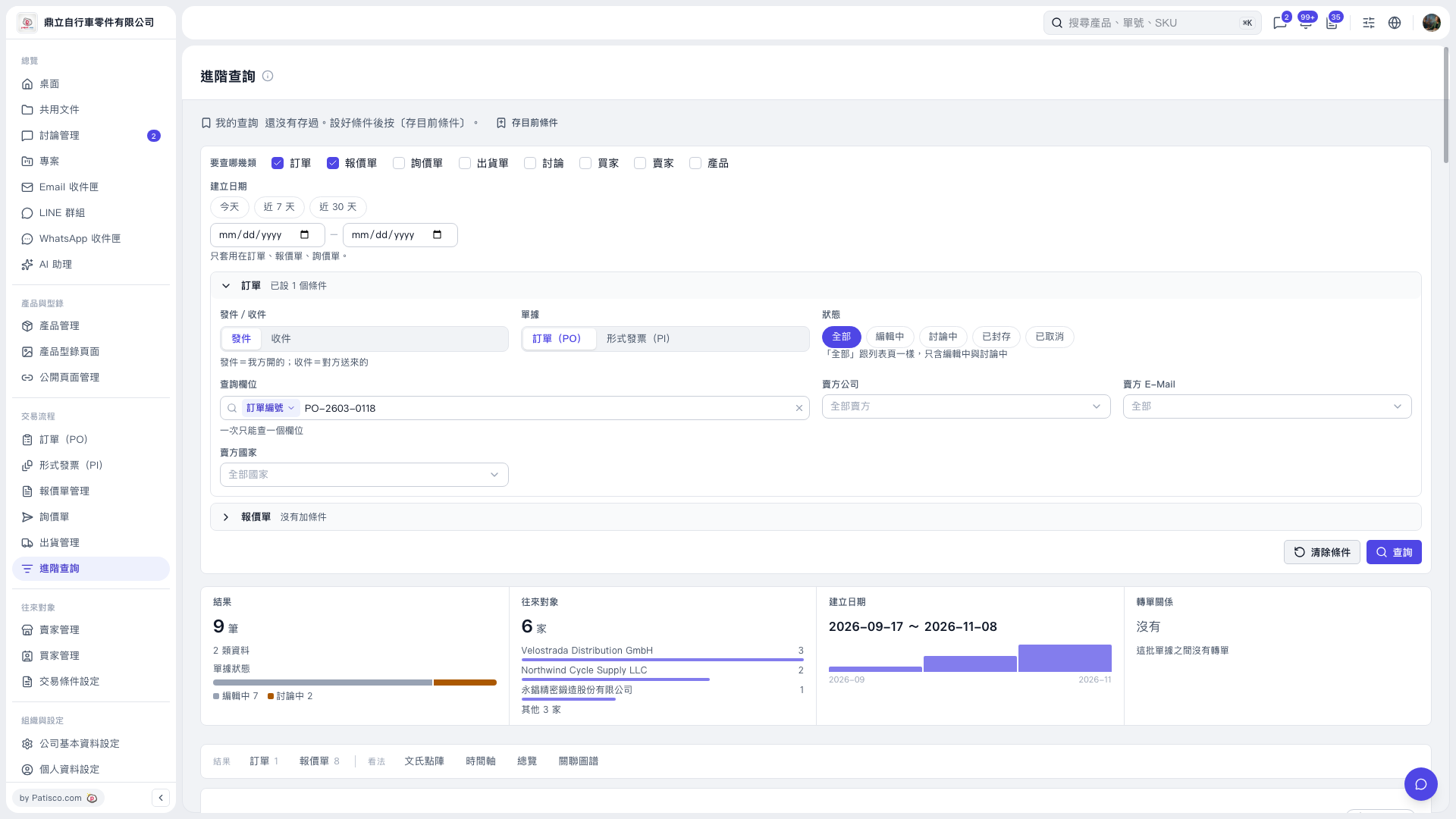
1. Under “What to search” in “Advanced Search”, select the data types you need, such as “PO” and “Quotation”. 2. Set the search conditions you want to keep. For example, under “PO”, select “PO Number” as the “Search Field” and enter PO-2603-0118 in “Search Value”. If you also need to limit quotation results, expand “Quotation” and set its conditions as well. 3. Click “Save Current Conditions” to the right of “My Searches” at the top of the page to save this set of conditions for reuse.
 V5 新桌面版|進階查詢