
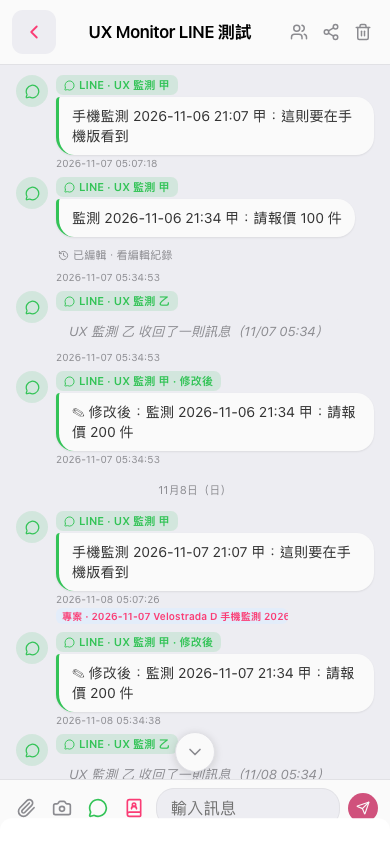
1. On the topic page, find "Attachments" (the paperclip icon) to the left of the "Enter a message" field at the bottom. 2. Tap the icon to open the attachment options. The current screenshot does not show the attachment menu, so the available options cannot be confirmed.
 手機版|UX Monitor LINE 測試