
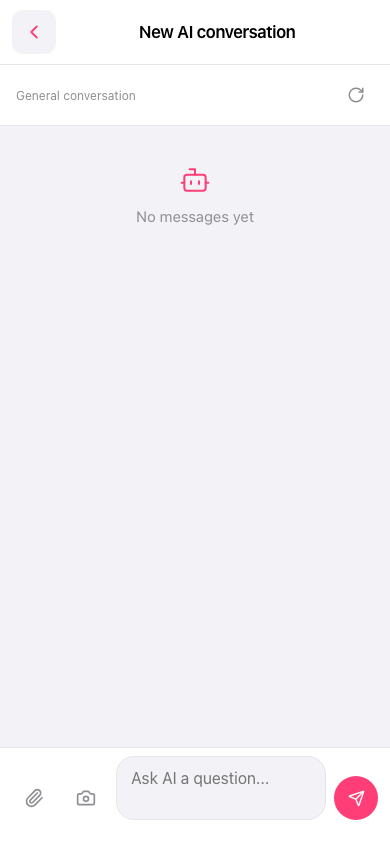
1. On the “New AI conversation” screen, tap the “Ask AI a question...” input field at the bottom and enter your question. 2. To attach information, tap the paperclip icon to add a file, or tap the camera icon to take a photo or add a photo. 3. Tap the pink paper airplane icon in the lower-right corner to send your question. 4. View your messages and the AI's replies in the central conversation area.
 手機版|New AI conversation