
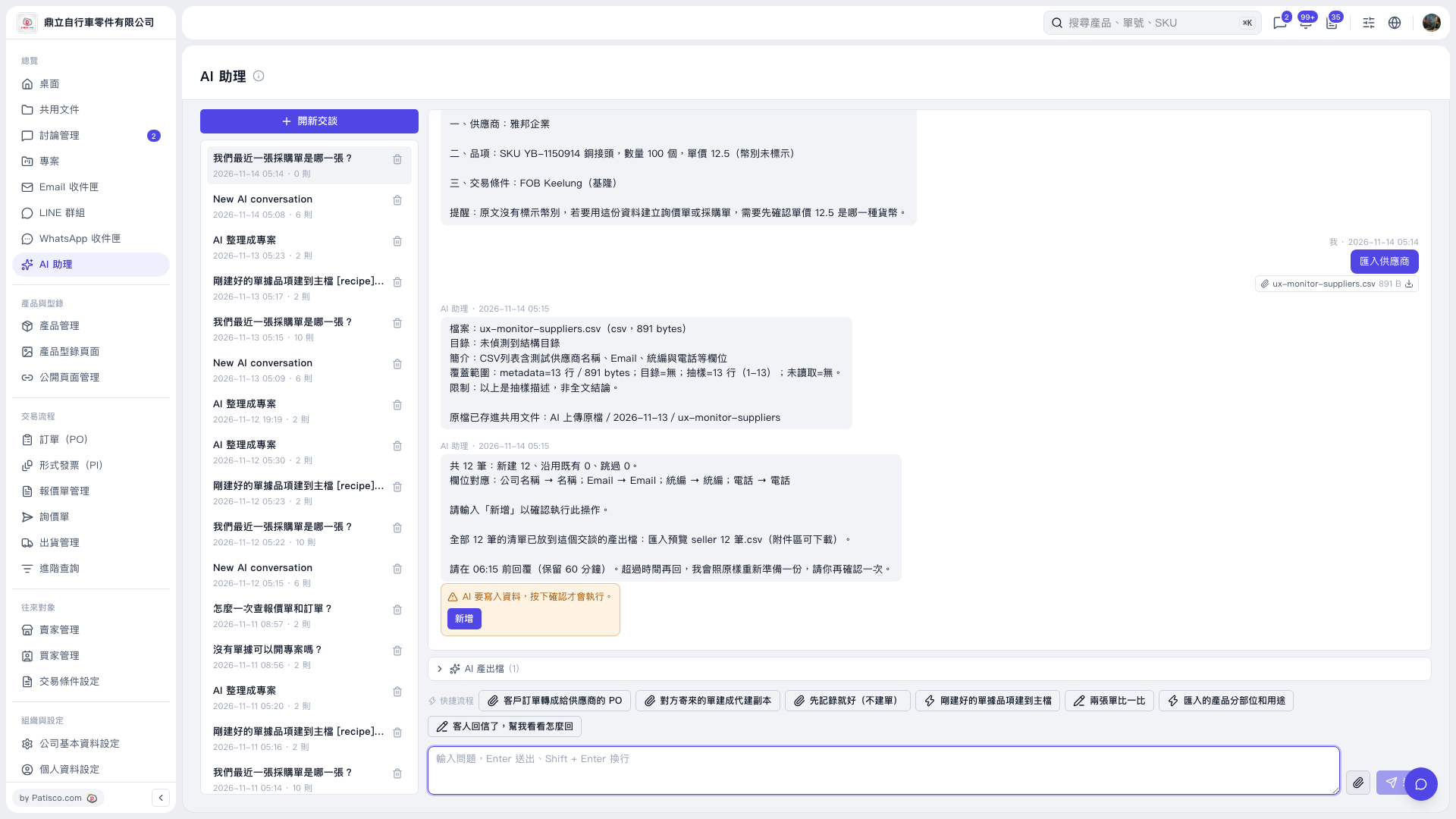
1. Below the conversation content in “AI assistant”, click “AI-generated Files (1)” to expand the file list. 2. Find “匯入預覽 seller 12 筆.csv”, download it, and check the supplier data. 3. Note that “ux-monitor-suppliers.csv” attached to the user message is the uploaded source file. Download the import preview from “AI-generated Files (1)”.
 V5 新桌面版|AI 助理