
1. On the catalog editing page, find the "Banner" section under "Catalog layout" on the left. 2. Find the image you want to adjust and click "Animation settings" next to it to open the settings window. The current screen does not show the window contents, so the settings available inside cannot be confirmed. 3. After making your adjustments, click "Upload changes" in the upper right.
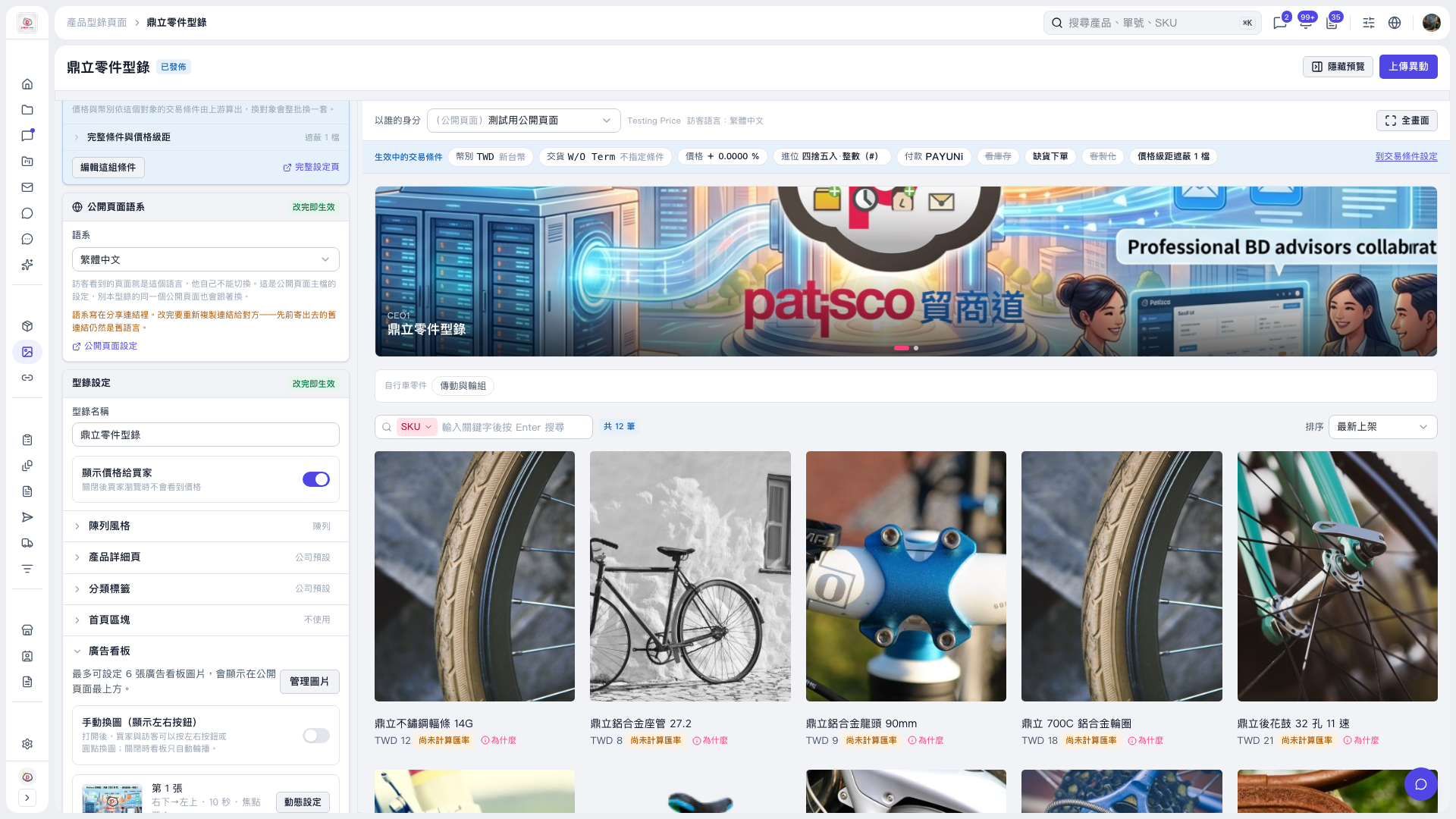 V5 新桌面版|鼎立零件型錄