
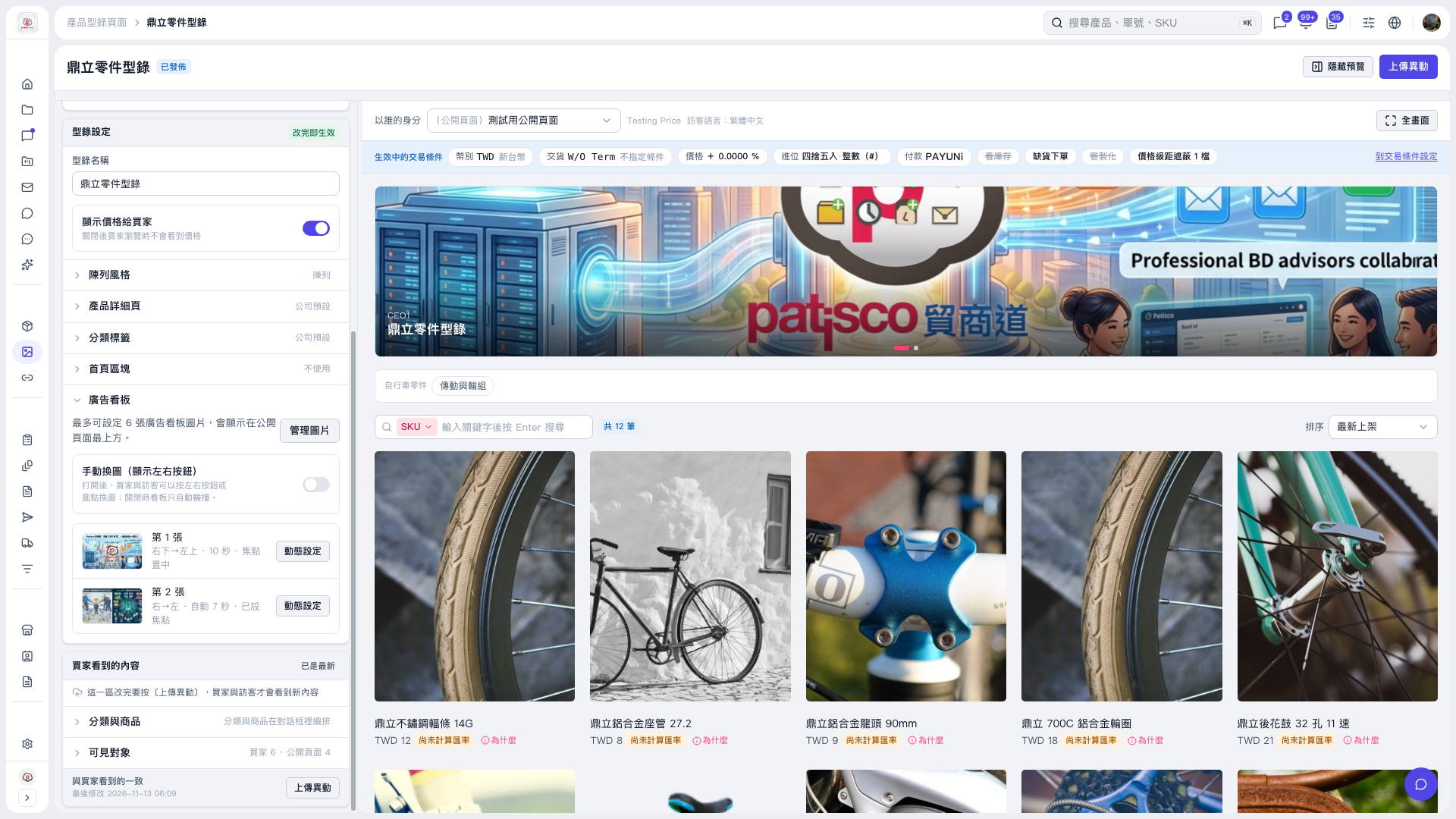
1. Expand "Banner" under "Catalog layout" on the left. 2. Turn on "Manual image switching (show left/right buttons)" so buyers and visitors can use the left/right buttons or dots to switch images. 3. Check the banner display and image switching effects in the preview on the right. 4. Click "Upload changes" to publish the updated settings.
 V5 新桌面版|鼎立零件型錄