
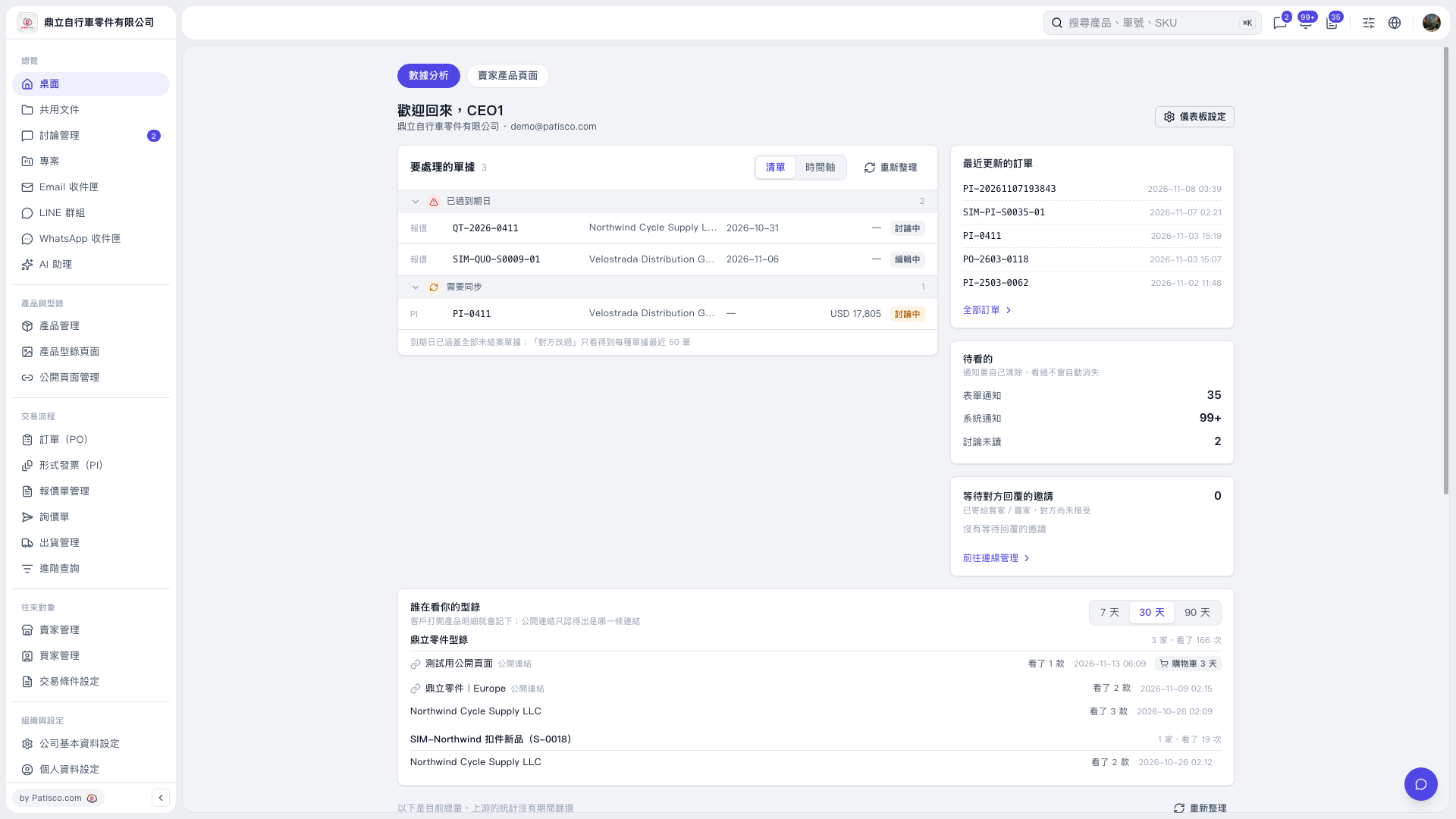
1. In the "Documents to handle" section of "Data analysis", review items under "Past due" and "Needs synchronization". 2. Click "List" or "Timeline" to switch the display mode. 3. Click a document number to open the corresponding document and check its contents and processing progress. 4. After returning to the desktop, click "Refresh" to update the information on documents to handle.
 V5 新桌面版|桌面-數據分析