
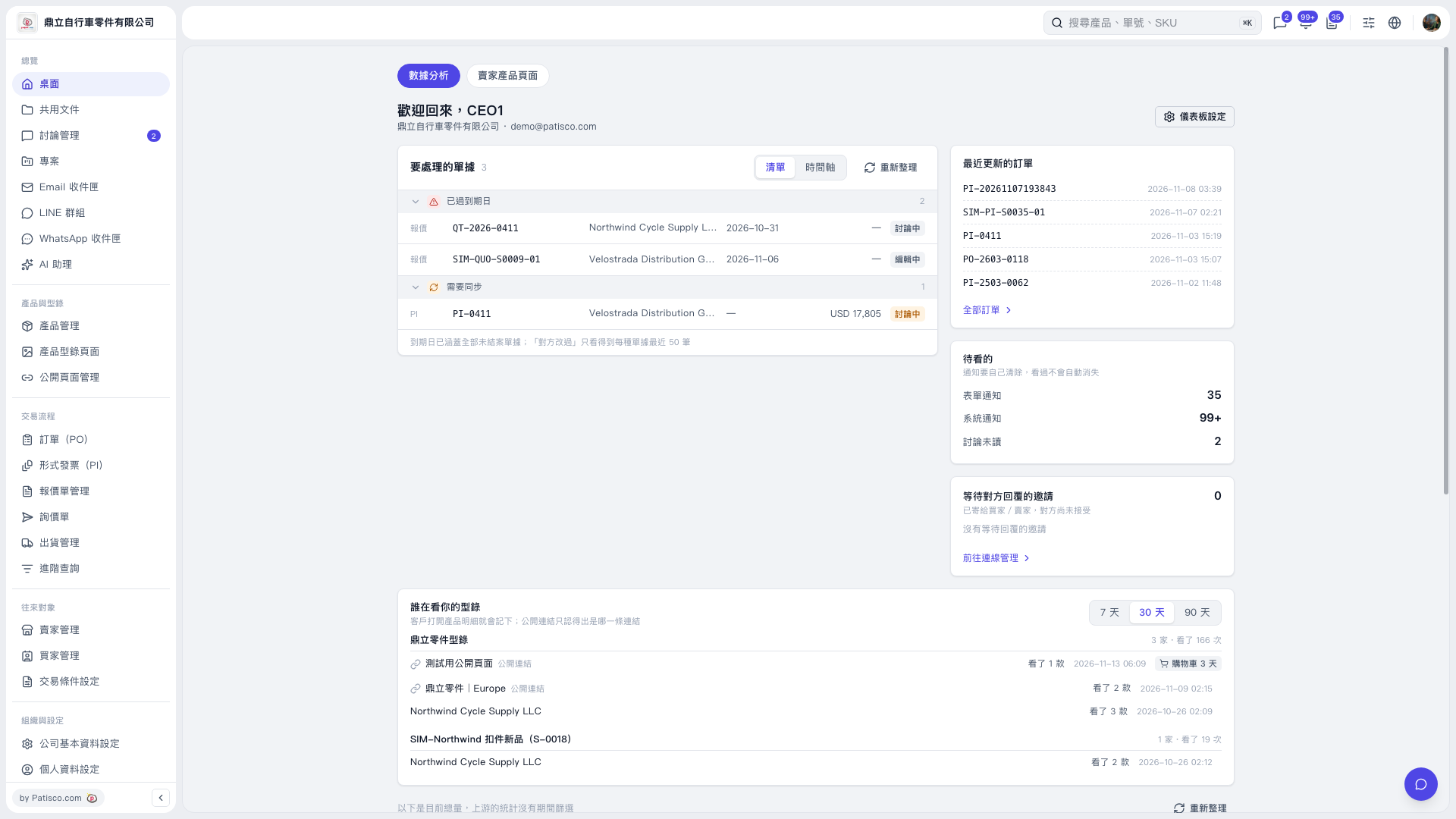
1. On the “Data Analysis” tab, check the “Past Due” and “Needs Synchronization” categories in the “Documents to Process” section. 2. Check the document number, company, due date, and document status, then click the document number to open and process the corresponding document. 3. After returning to the desktop, click “Refresh” to update the list. 4. To view other POs, click a PO number in the “Recently Updated POs” section, or click “All POs”.
 V5 新桌面版|桌面-數據分析