
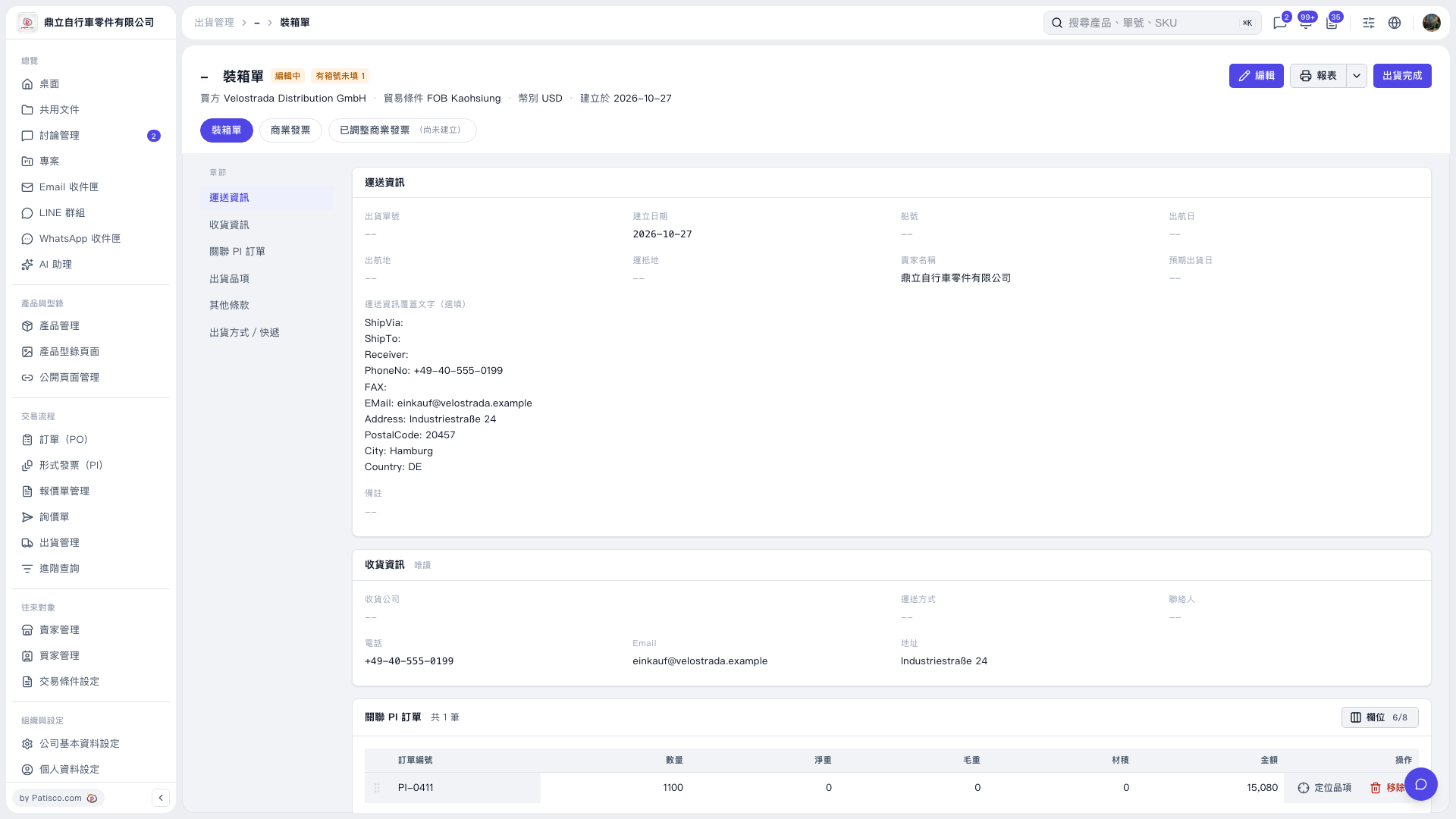
1. On the “Packing List” page, first check the buyer, trading conditions, currency, and linked PI to confirm that these are the shipment details you need to process. 2. Click “Shipment Items” on the left to view the items to be shipped and their packing details, and check for items with missing carton numbers. The test data in this case shows 1 entry with no carton number (last carton: 0). 3. To modify the details, click “Edit” in the upper right. The current screen does not show the contents of the “Shipment Items” section, so the carton number field and how to fill it in cannot be confirmed.
 V5 新桌面版|裝箱單