
1. Open the packing list for the shipment you want to complete and check the shipment number. 2. Use the section navigation on the left to check “Shipping Information,” “Receiving Information,” “Linked PI,” and “Shipment Items” in order. 3. If any details need to be changed, click “Edit” in the upper right to make adjustments. To view a report, click “Report” or the drop-down arrow next to it. 4. After confirming that the shipment details are correct, click “Shipment Complete” in the upper right to mark this shipment as complete.
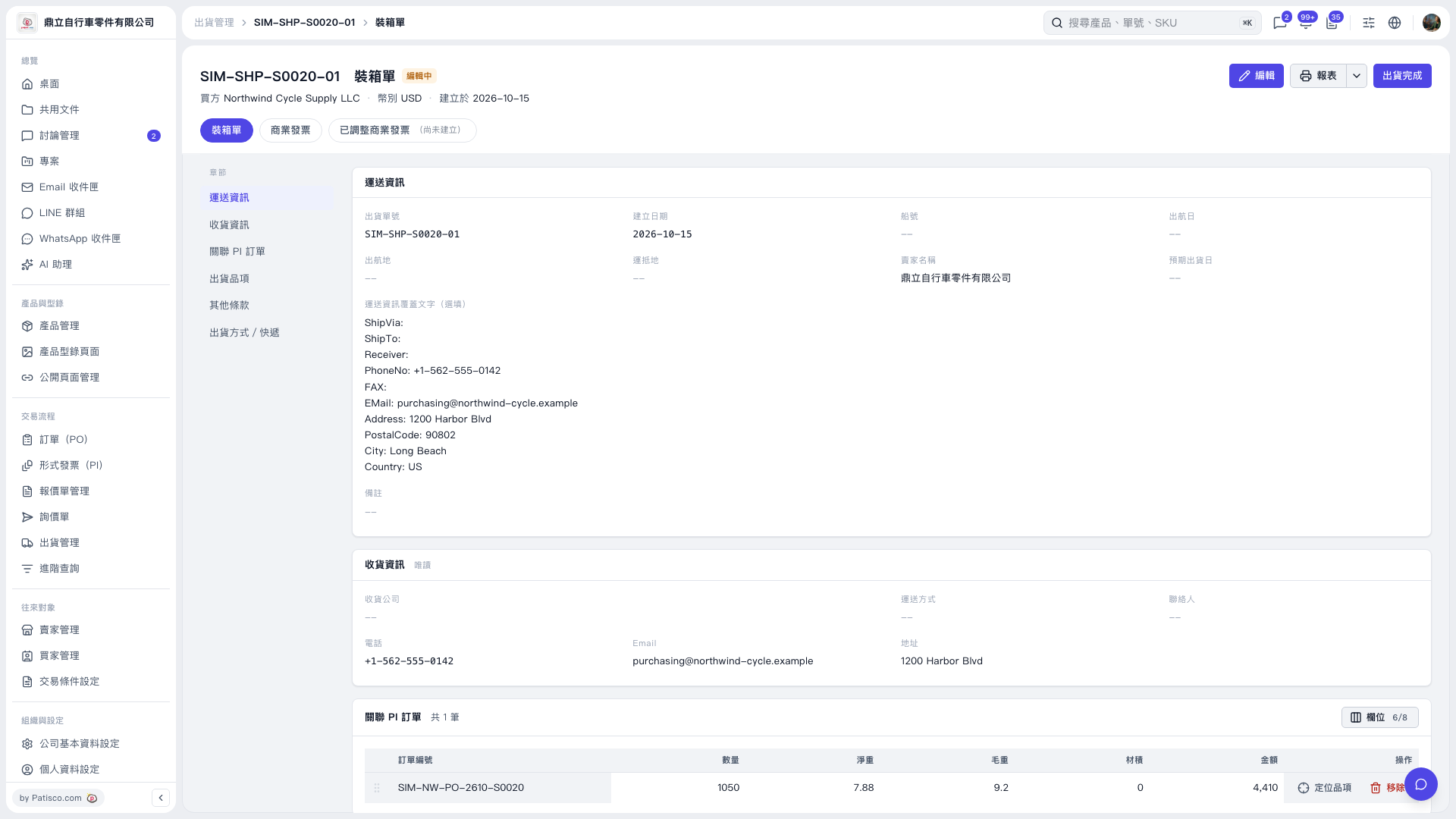 V5 新桌面版|SIM-SHP-S0020-01 裝箱單