
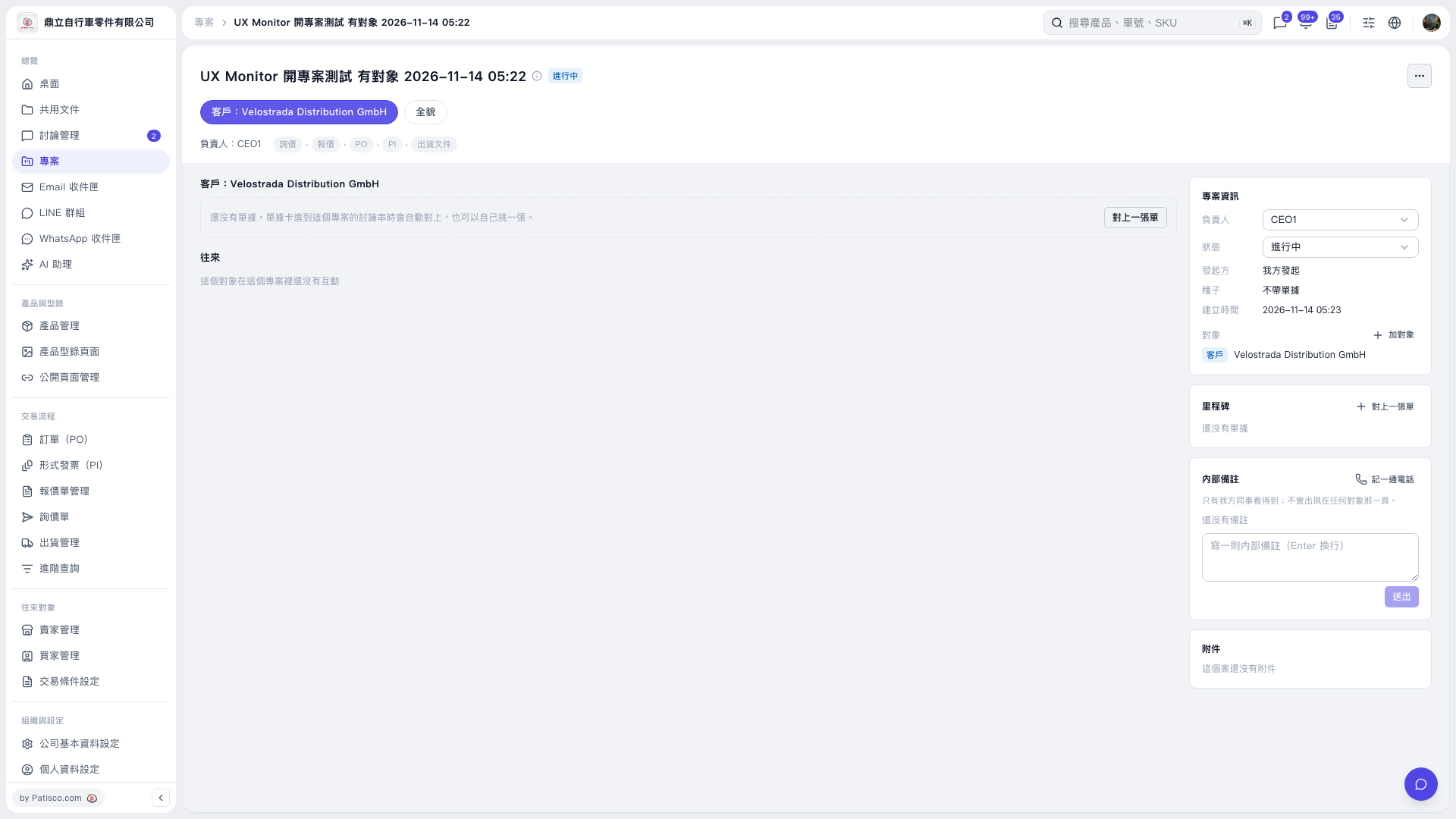
1. Under “Project Information” on the right, click the “Owner” or “Status” drop-down menu and make the required changes. 2. Enter your note in the “Internal Notes” text box on the right. Press Enter to insert a line break, then click “Submit” when finished.
 V5 新桌面版|UX Monitor 開專案測試 有對象 2026–11–14 05:22