
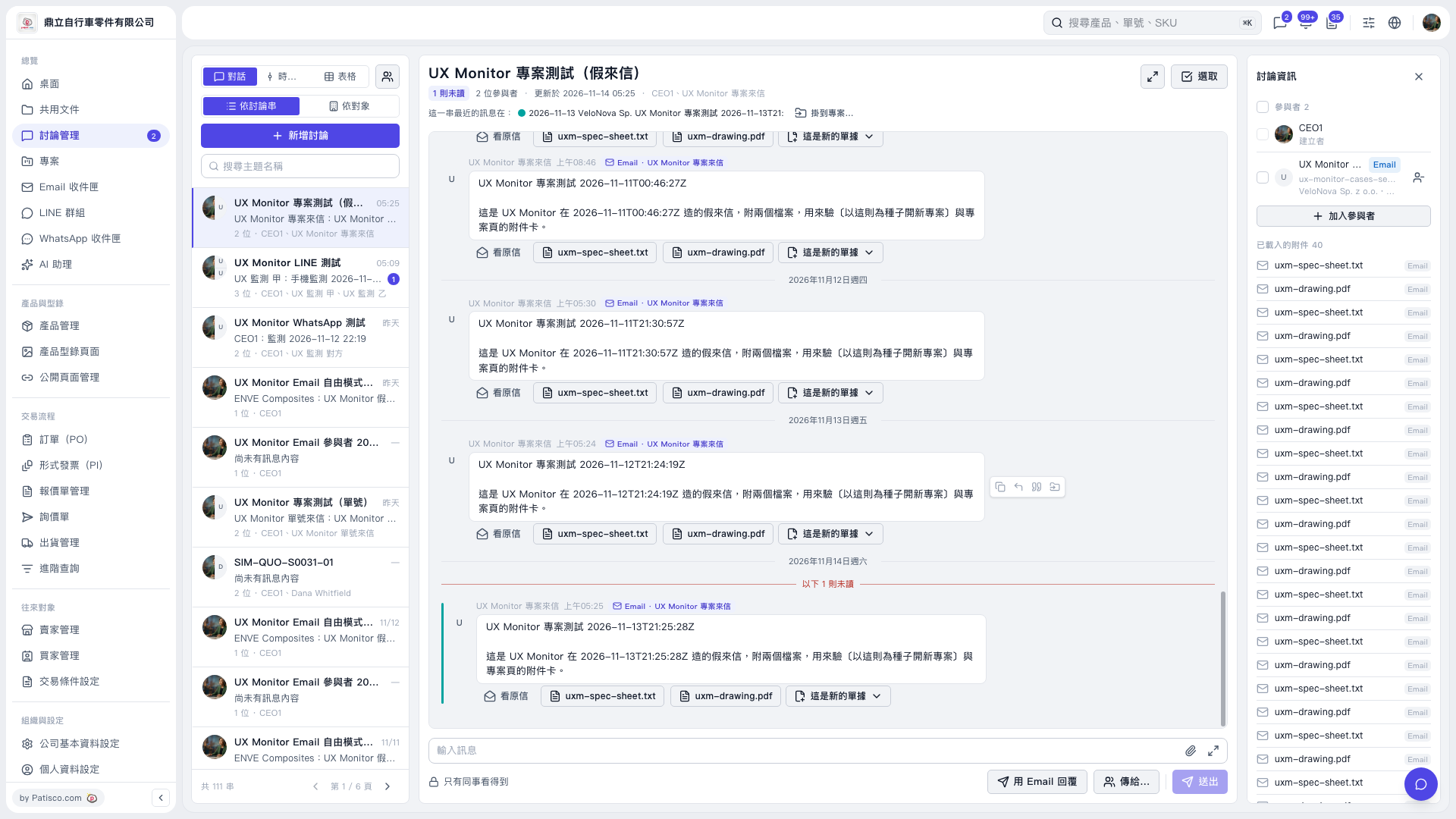
1. Select the incoming email you want to handle from the discussion list on the left. You can also use “Search by subject” to find it. 2. Review the email content in the center. To view the original email or an attachment, click “View original email” or the attachment name. 3. Click “Link to project…” below the discussion title, then follow the options that appear. The subsequent menu is not shown in this step, so the names of the following buttons cannot be confirmed.
 V5 新桌面版|UX Monitor 專案測試(假來信)