
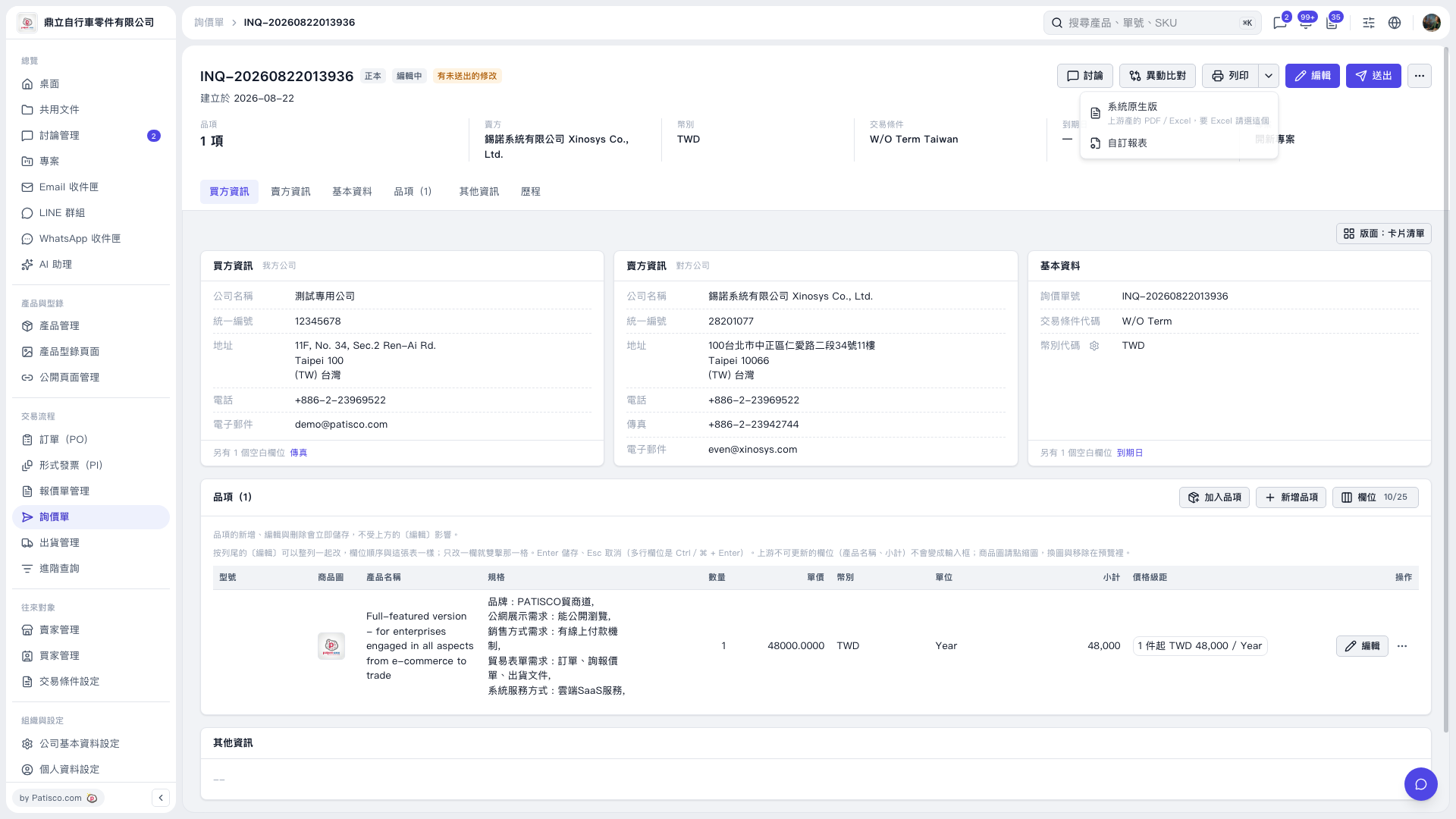
1. Open the inquiry you want to print and check the inquiry number, buyer and seller information, and item details. 2. Click the drop-down arrow next to “Print” in the upper-right corner. 3. Select “System Default” or “Custom Report” as needed. If you need Excel, select “System Default,” which supports PDF and Excel. 4. Follow the subsequent screens to export or print the report.
 V5 新桌面版|INQ-20260822013936