
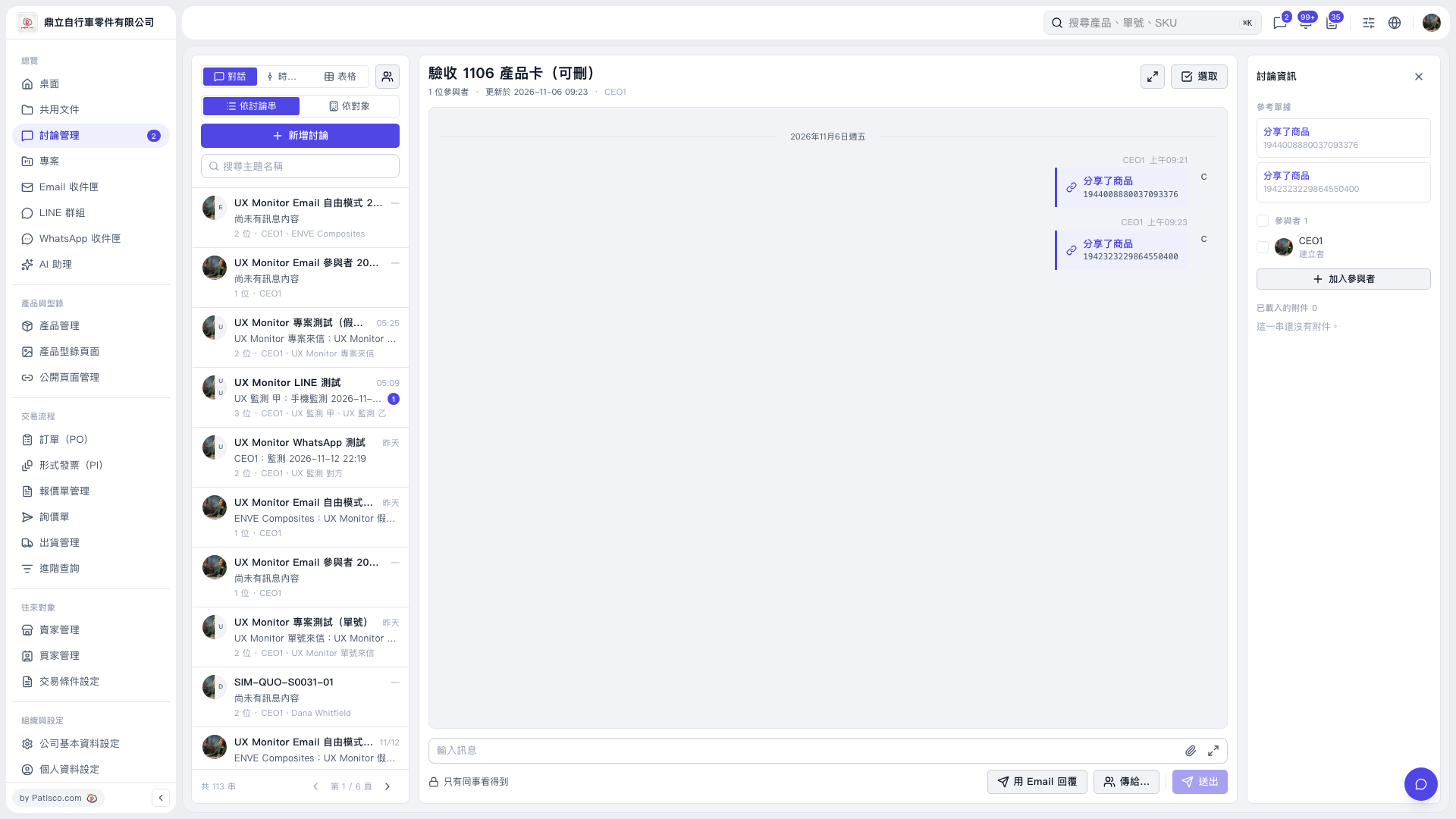
1. Enter keywords in “Search by Subject” on the left, then select the discussion thread you want to reply to. 2. Click “Reply by Email” at the bottom of the central discussion area. To specify recipients, click “Send to…”. 3. Write your reply in “Enter Message.” To attach files, click the paperclip icon. 4. Check the message and recipients, then click “Send.”
 V5 新桌面版|驗收 1106 產品卡(可刪)