
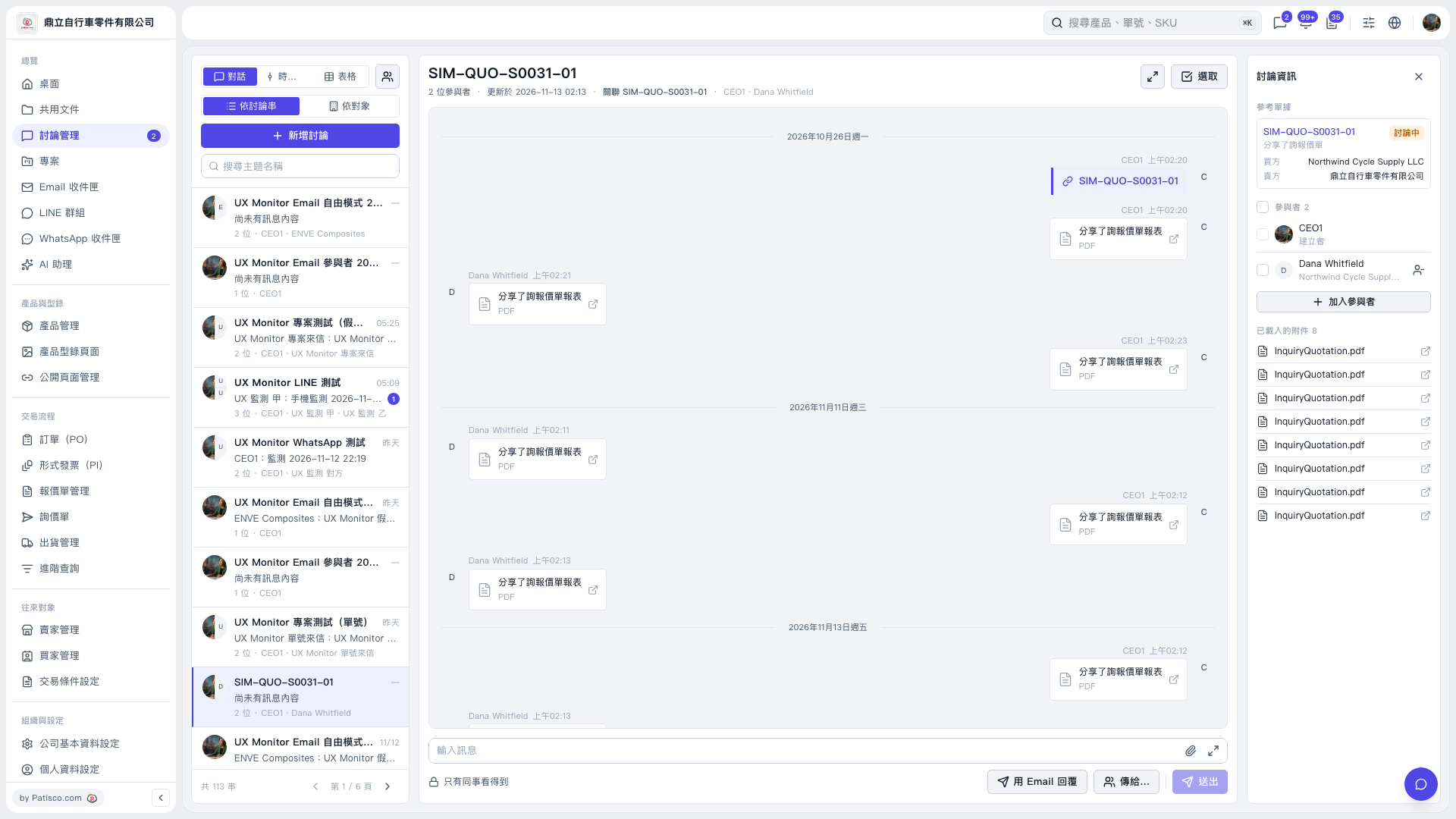
1. Use “Search by Subject” on the left side of “Discussion Management” to find and open the discussion thread you want to reply to. 2. Check whether “Visible to Colleagues Only” is currently displayed at the bottom. To send an email, click “Reply by Email,” then use “Send to…” to select the recipients. 3. Check the system’s visibility notice. The notice for this discussion states that a contact from Northwind Cycle Supply LLC is already in the thread, so even if this email is sent to third-party@example.invalid, Northwind Cycle Supply LLC can still see it in Patisco. 4. Write the content in “Enter Message,” check the recipients and visibility, then click “Send.”
 V5 新桌面版|討論管理