
1. Use “Search by Subject” on the left to find and select the discussion thread you want to reply to. 2. Check “Participants” and “Email Addresses” in the discussion information on the right. 3. Write your reply in the “Enter Message” editor below, click “Reply by Email,” then use “Send to…” to check the recipients. 4. If “Visible to Colleagues Only” is still displayed below the editor, check the sending method and recipients first. 5. Click “Preview” to check the content, then click “Send” once confirmed.
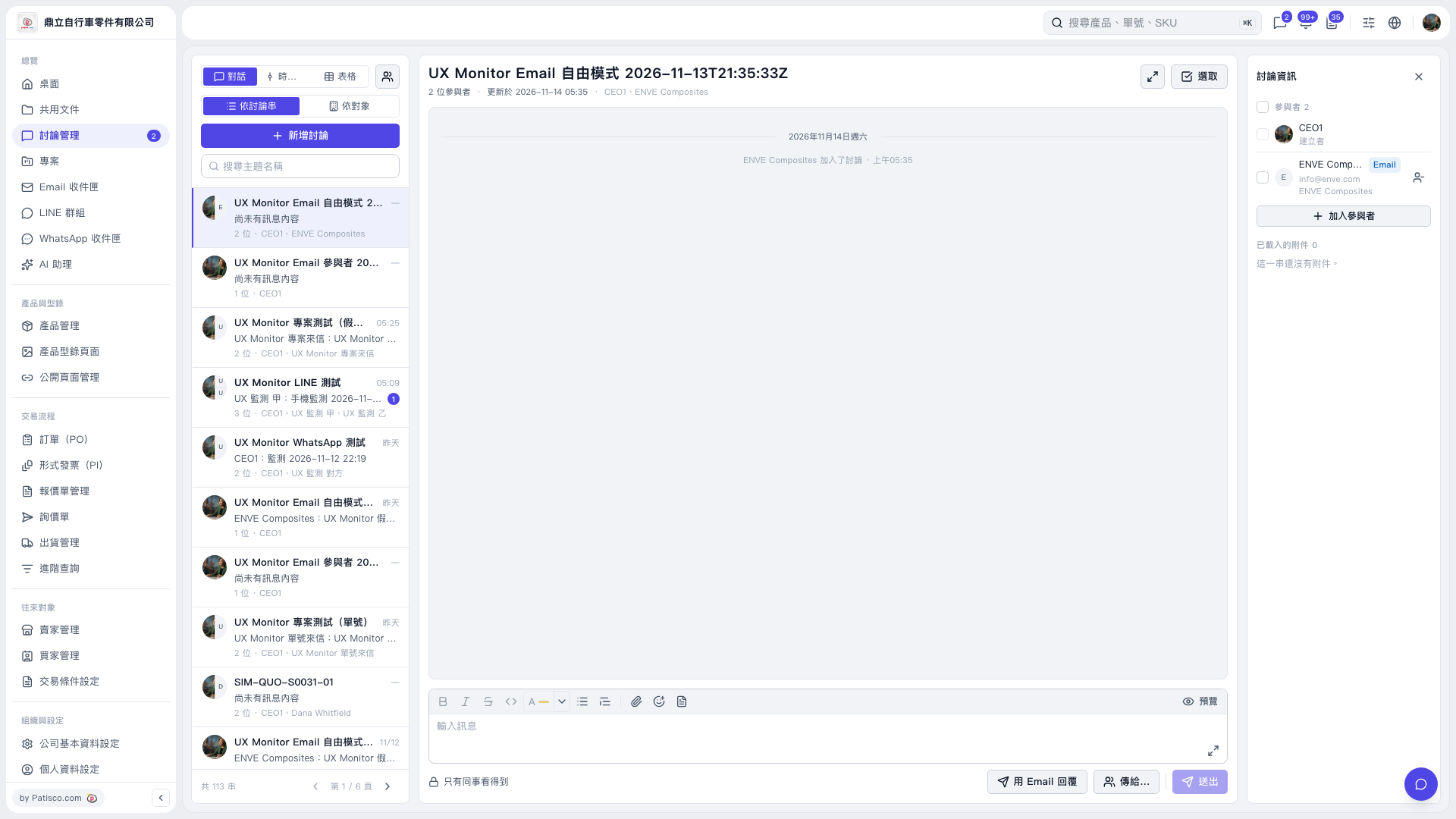 V5 新桌面版|UX Monitor Email 自由模式 2026-11-13T21:35:33Z