
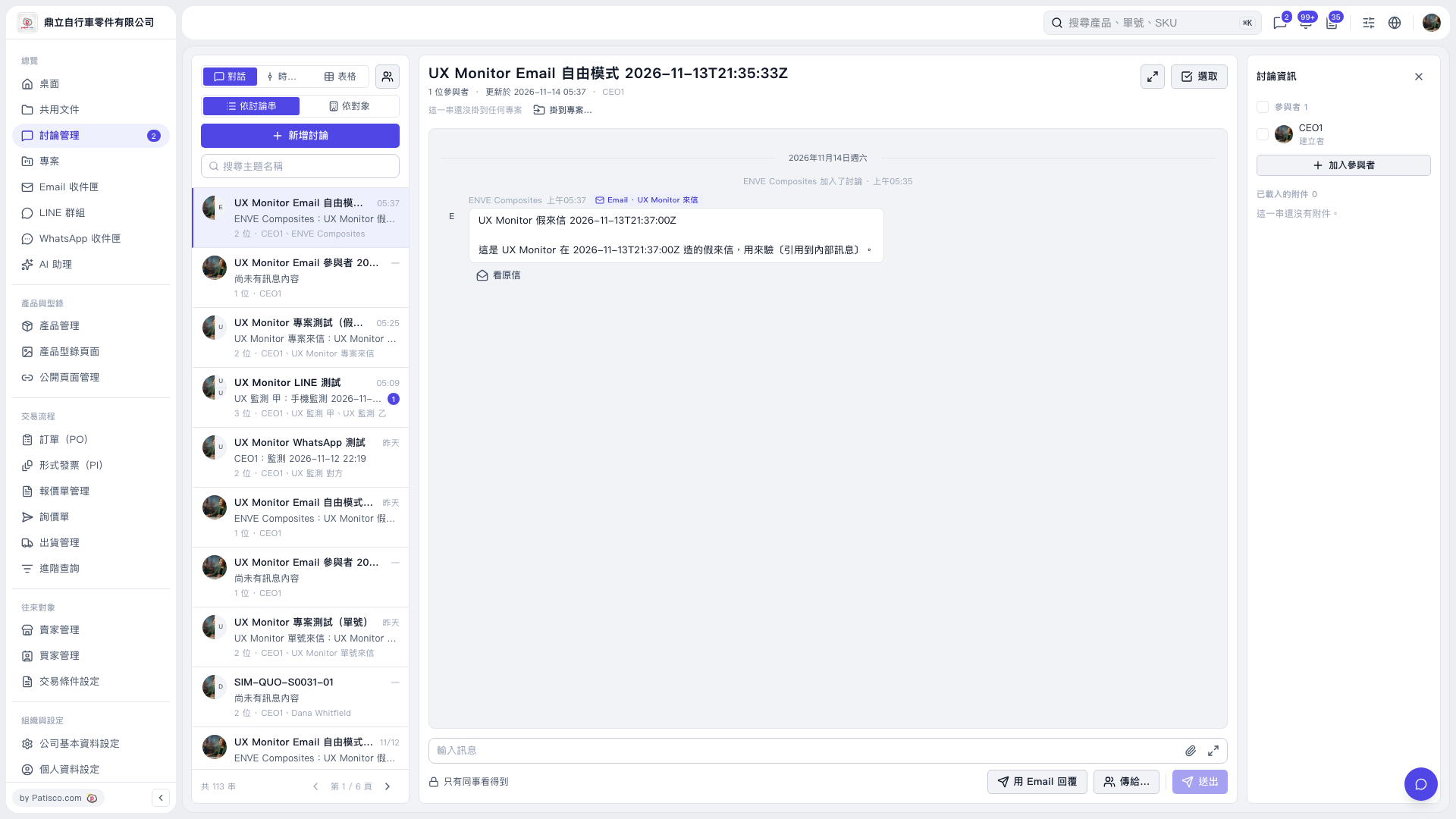
1. Open the discussion thread you want to clean up from the discussion list on the left. You can find it using “Search by Subject.” 2. Use “Remove from Discussion” to remove the email participants you want to clear out. In this operation, info@enve.com was removed, and all email participants were confirmed to have been removed. 3. Removing participants does not delete the discussion thread. This thread cannot currently be deleted and will remain in the discussion list. 4. You can ask: “Remove all email participants from this test discussion.” The AI will reply: “All email participants have been removed. The thread remains in the discussion list.”
 V5 新桌面版|UX Monitor Email 自由模式 2026-11-13T21:35:33Z