
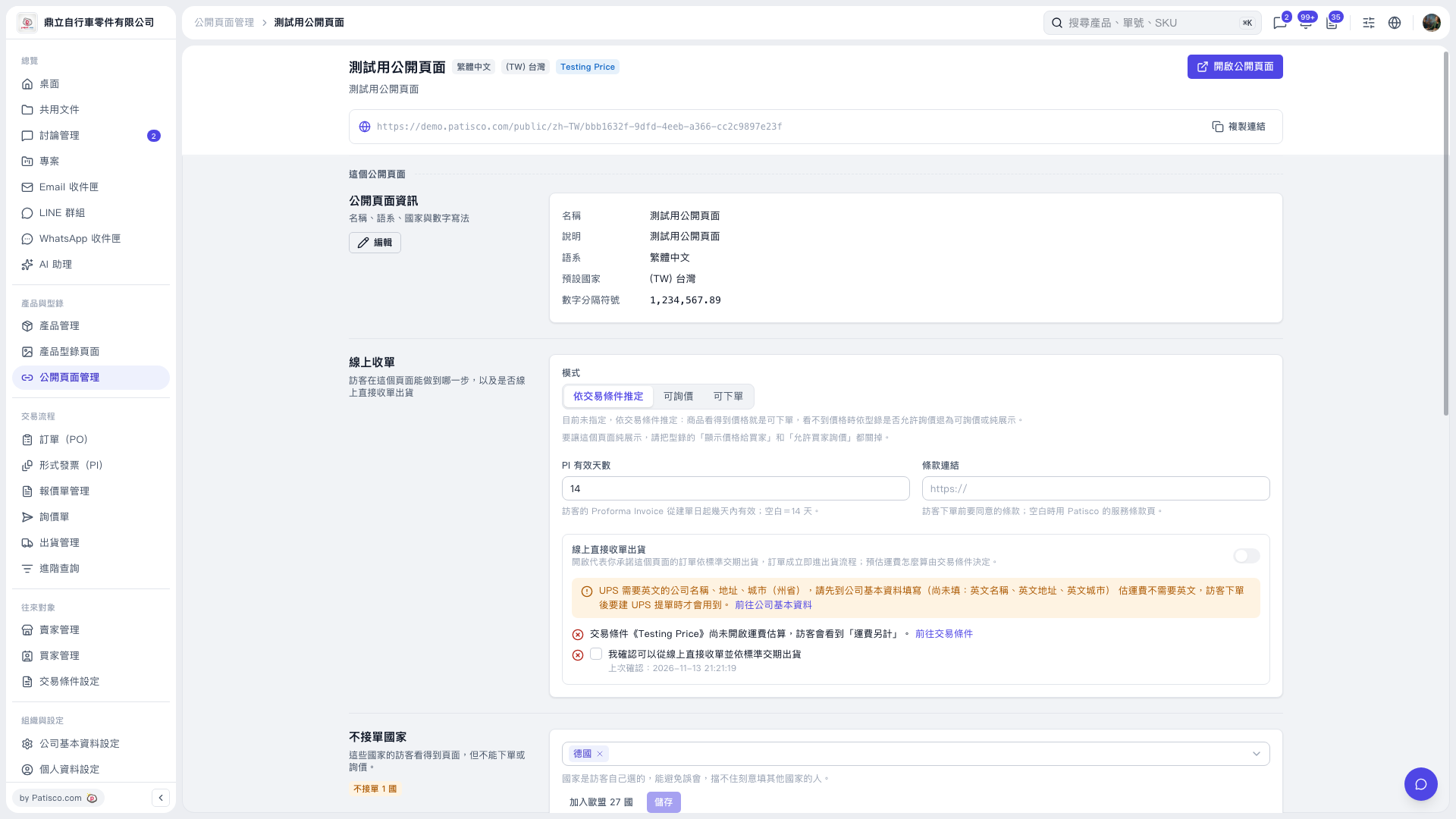
1. In "Public Page Management", open the public page you want to configure. 2. Find "Countries Not Accepted for Orders" near the bottom of the page, open the drop-down menu, and select the countries to restrict, such as "Germany". To remove a country, click the × next to its label. 3. To add all EU countries at once, click "Add 27 EU Countries". 4. Review the list, then click "Save". Visitors from the listed countries can still browse the public page, but cannot place POs or submit inquiries.
 V5 新桌面版|測試用公開頁面