
1. In the quotation's "Item List", scroll horizontally to the field you want to modify. 2. Double-click an editable cell and enter the new content. 3. Press Enter to save. For multiline fields, press Ctrl/⌘ + Enter to save. To cancel this change, press Esc. 4. You can also click "Edit" on the right side of the item row to modify that item's data.
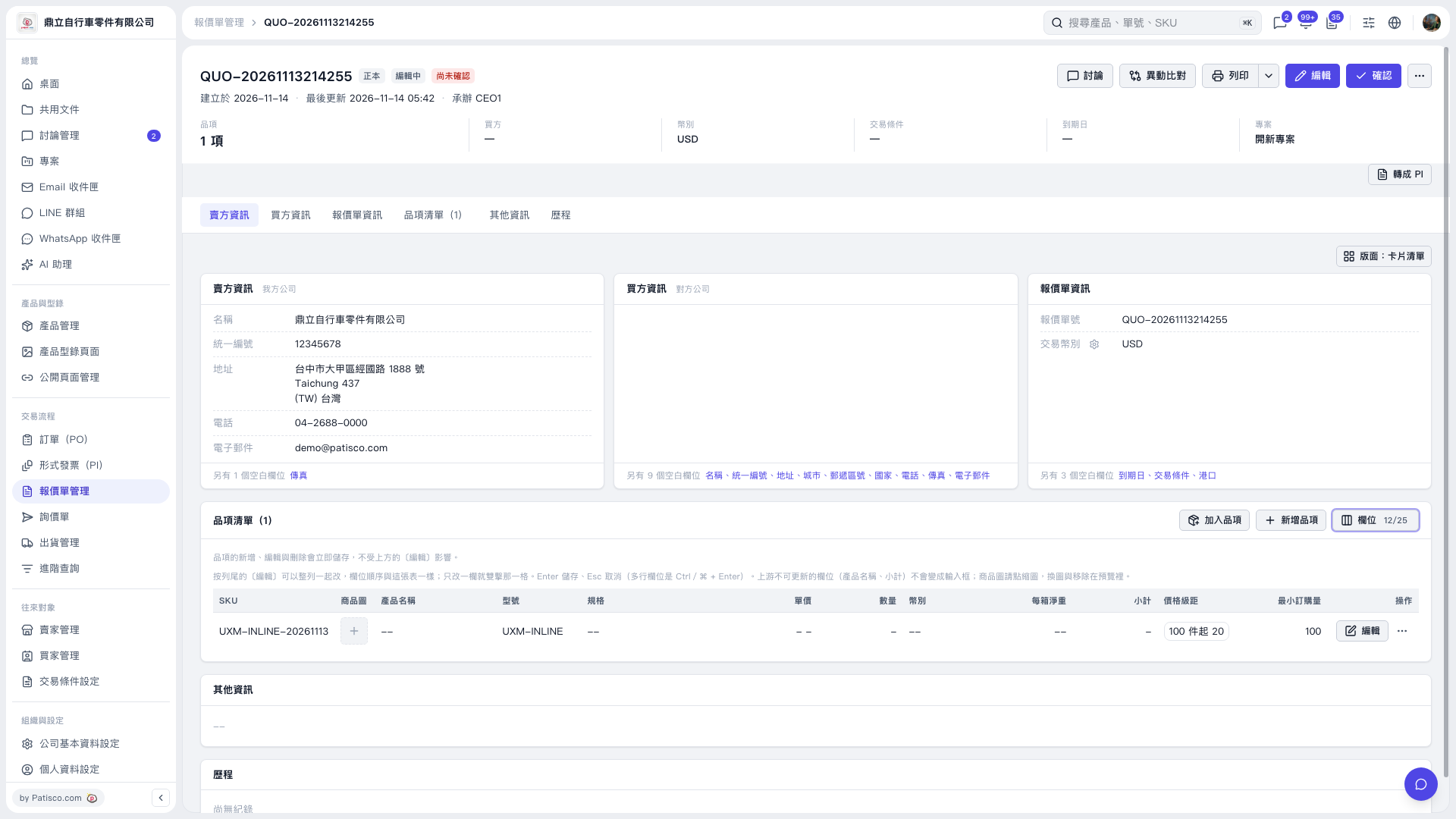 V5 新桌面版|QUO-20261113214255