
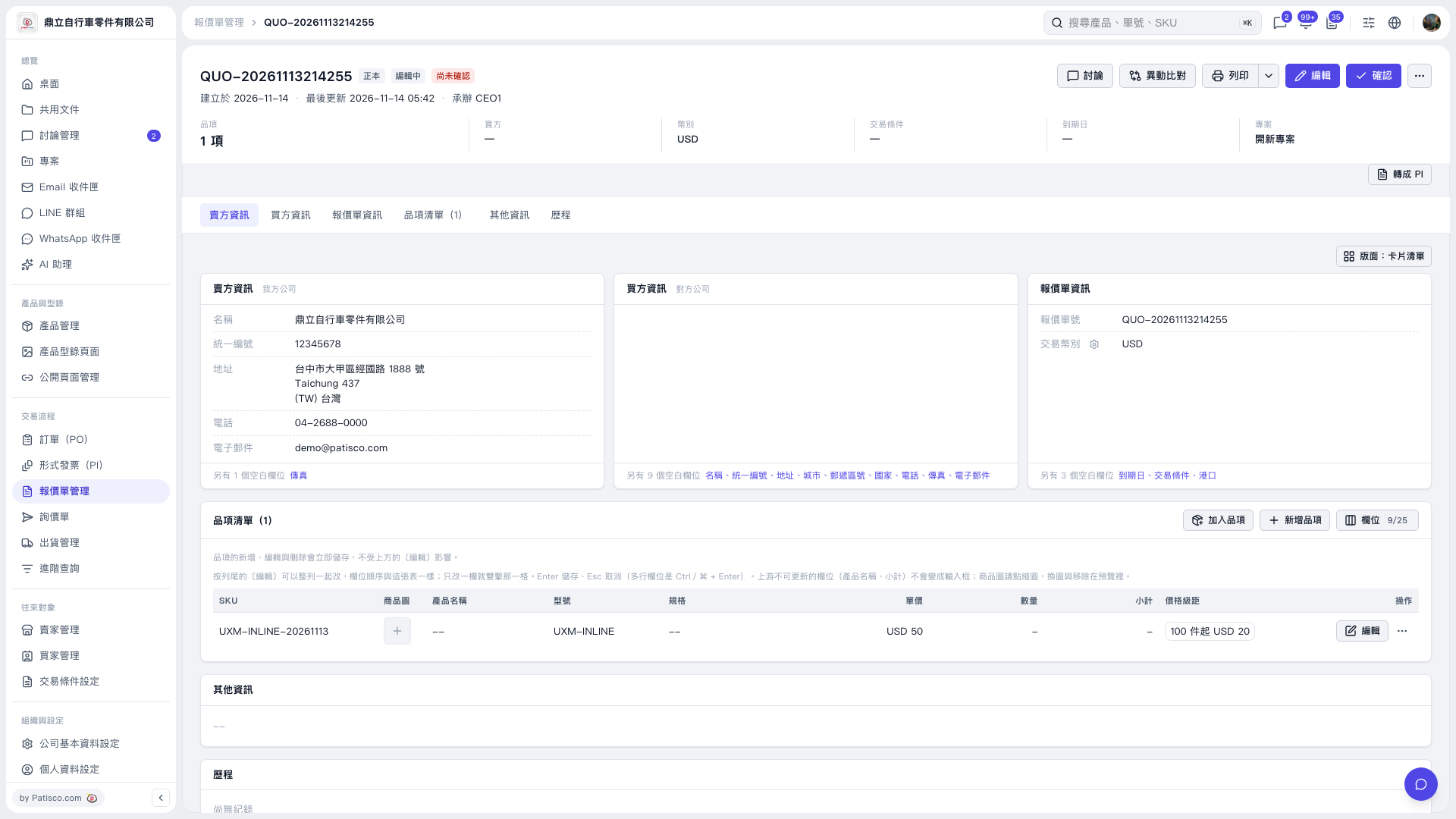
1. Find the item you want to change in the quotation's "Item List", click the "Unit Price" cell, and enter a unit price, such as 50. 2. Press Enter to save. If the transaction currency is USD, the cell will display "USD 50". You can leave "Quantity" blank for now. Only one cell can be edited at a time. Press Esc to cancel the current edit. 3. If a quantity has already been entered, click the "Quantity" cell, clear its contents, and press Enter to save.
 V5 新桌面版|QUO-20261113214255