
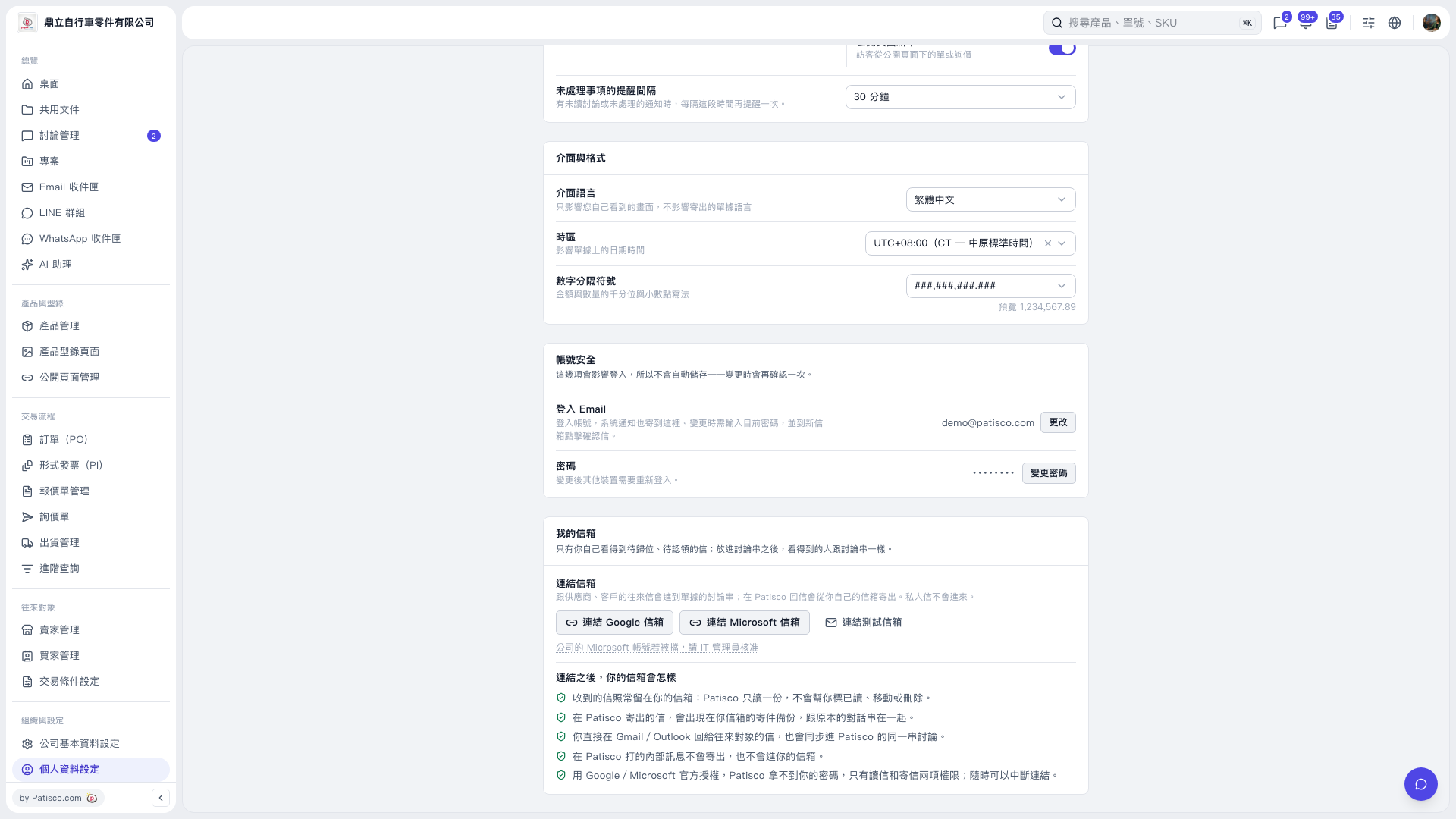
1. In the "My Mailbox" section of the "Profile Settings" page, click "Connect Microsoft Mailbox". 2. Follow the instructions on the authorization screen to sign in to your Microsoft account and complete authorization. 3. If authorization for your company account is blocked, a message below the button will say "If your company's Microsoft account is blocked, ask your IT administrator for approval". Ask your company's IT administrator to approve it. 4. After the mailbox is connected, emails exchanged with suppliers and customers will appear in document discussion threads. When you reply in Patisco, the email will be sent from your own mailbox.
 V5 新桌面版|個人資料設定