
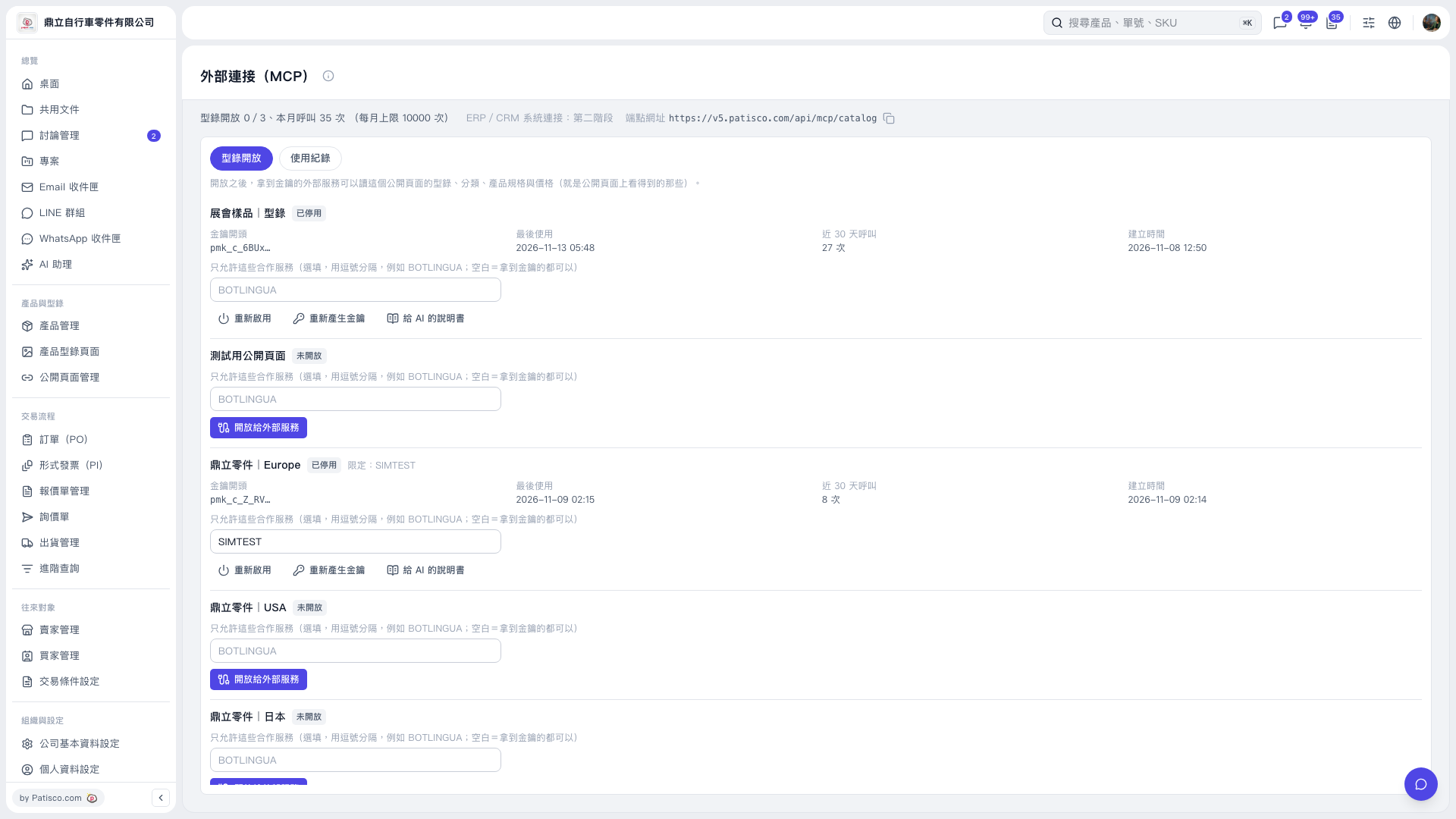
1. In the "Catalog Access" tab on the "External Connections (MCP)" page, find a catalog item that already has a key and click "Instructions for AI" to get the connection instructions. 2. Click the copy icon to the right of the endpoint URL at the top of the page to copy it: https://v5.patisco.com/api/mcp/catalog. 3. Switch to the "Usage Logs" tab to view usage by external services.
 V5 新桌面版|外部連接(MCP)