
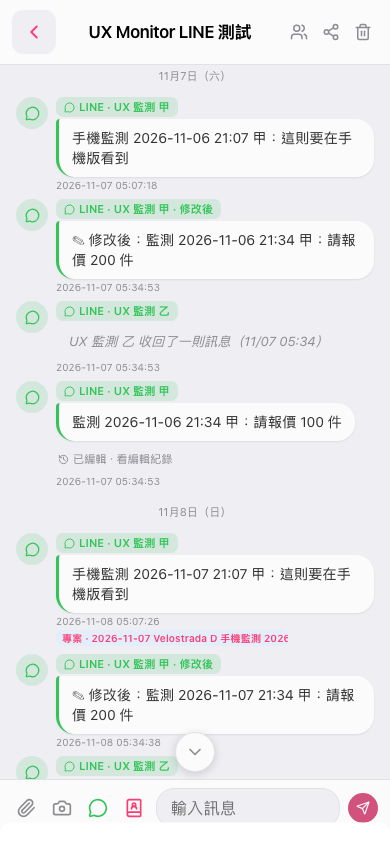
1. On the topic page, tap “Attachment” (the paperclip icon) in the lower-left corner to open the attachment options. 2. Select an attachment source from the menu that opens, then select the file to attach. 3. To include text, enter it in the “Enter Message” field. 4. Tap “Send” (the paper airplane icon) in the lower-right corner to send.
 手機版|UX Monitor LINE 測試