
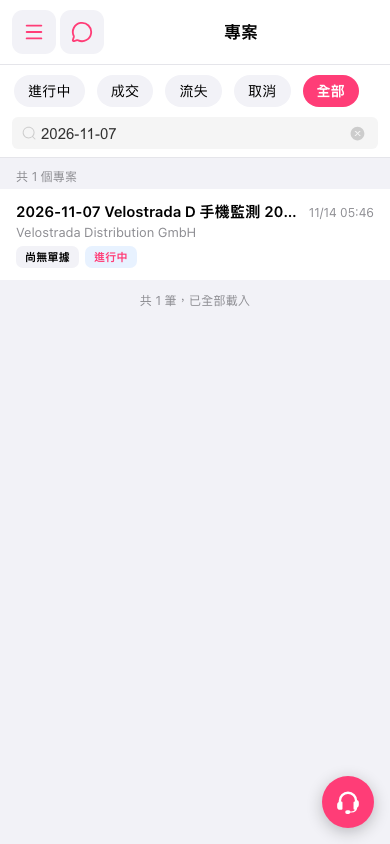
1. On the Projects page, tap “In Progress,” “Won,” “Lost,” “Canceled,” or “All” to filter projects by status. 2. Enter a keyword in the Search field to narrow down the list. For example, entering “2026-11-07” returned 1 matching project in this test. 3. Check the project names, company names, and status labels in the list, then tap the target project to open its details page. 4. To clear the search, tap the Clear icon on the right side of the search field.
 手機版|專案