
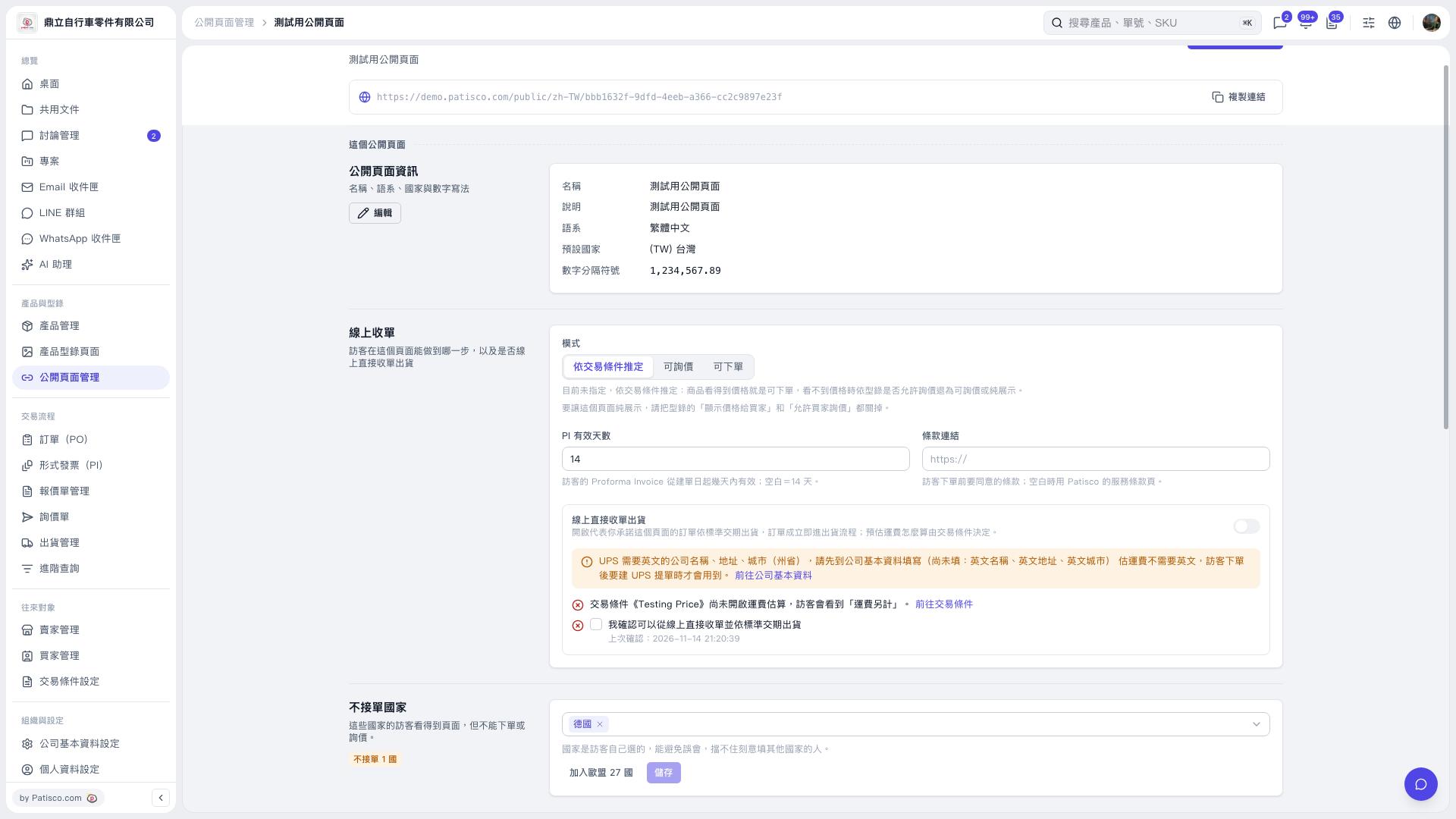
1. In the "Countries Not Accepted" section, click "Add All 27 EU Countries" to add the EU countries in one batch. 2. To remove a country, click the "×" next to its country tag, such as the "×" next to "Germany". 3. Review the list, then click "Save".
 V5 新桌面版|測試用公開頁面