
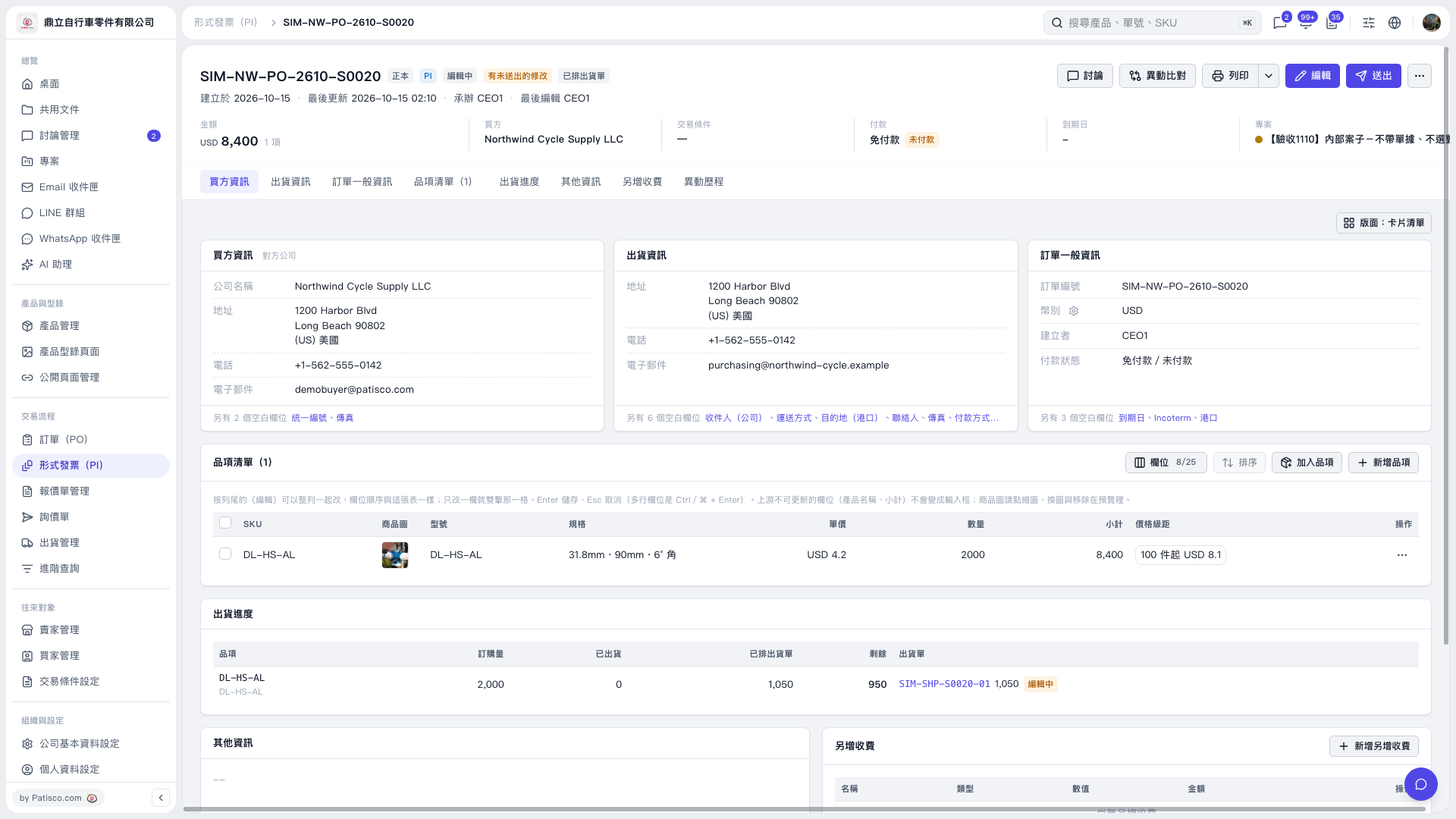
1. Find the item you want to edit in the "Item List" and first check its SKU, model number, and specifications. 2. Click the "Specifications" cell in that row and enter or paste the content. You can edit only one cell at a time. 3. Press Enter to save or Esc to cancel. For multiline fields, press Ctrl/⌘ + Enter to save. 4. After saving, check the "Specifications" content to confirm that it contains the required specification text.
 V5 新桌面版|SIM–NW–PO–2610–S0020