
1. Find the item you want to adjust in the quotation's item list and click "Edit" on the right side of that row. 2. Adjust "Quantity" or "Minimum Order Quantity". You can edit only one cell at a time. Press Enter to save or Esc to cancel. 3. Check that "Quantity", "Price Breaks", and "Minimum Order Quantity" meet the quotation requirements. This item's quantity and minimum order quantity are currently both 100. 4. Item changes are saved immediately and are not affected by the "Edit" button in the upper-right corner of the page.
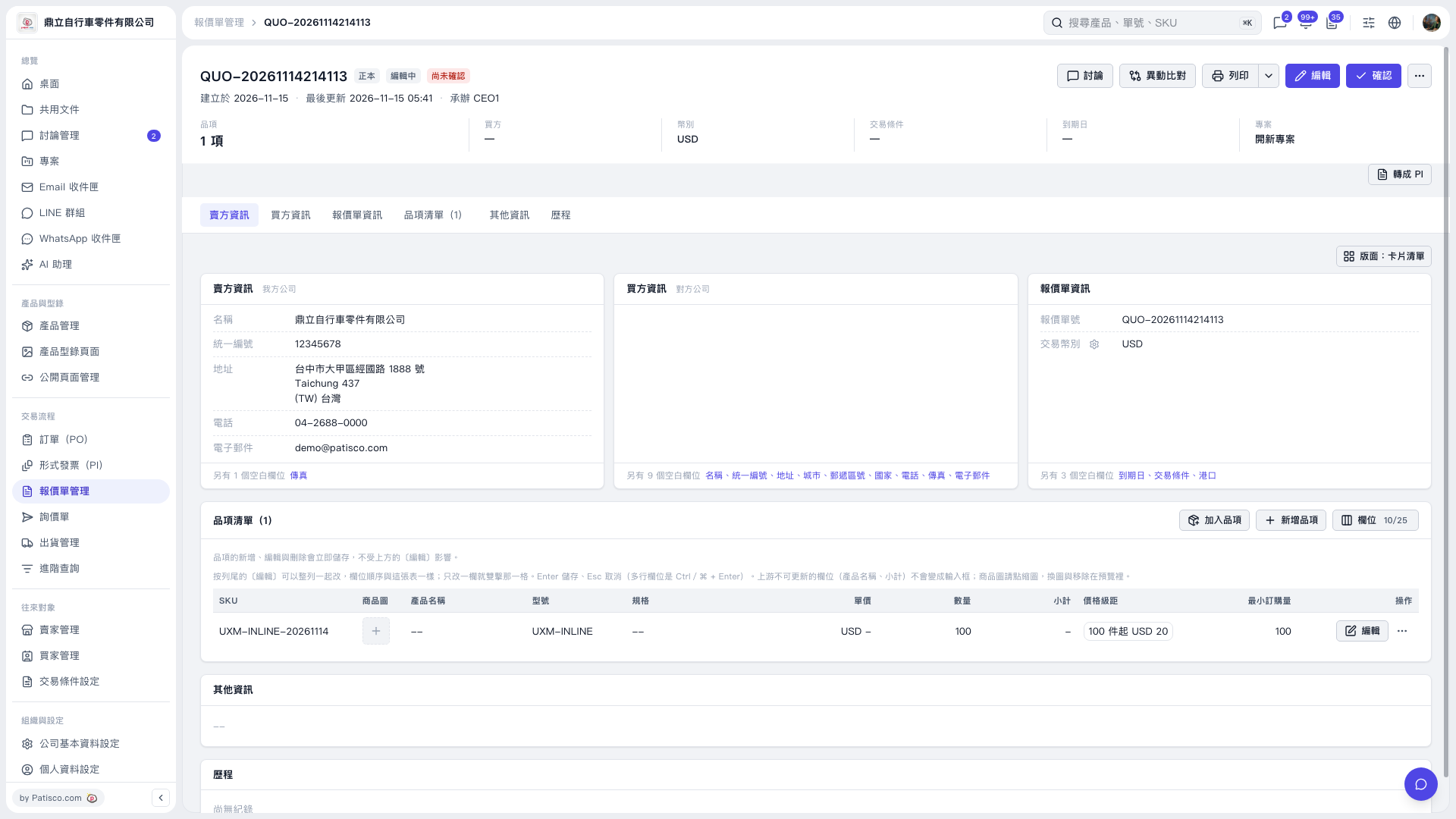 V5 新桌面版|QUO-20261114214113