
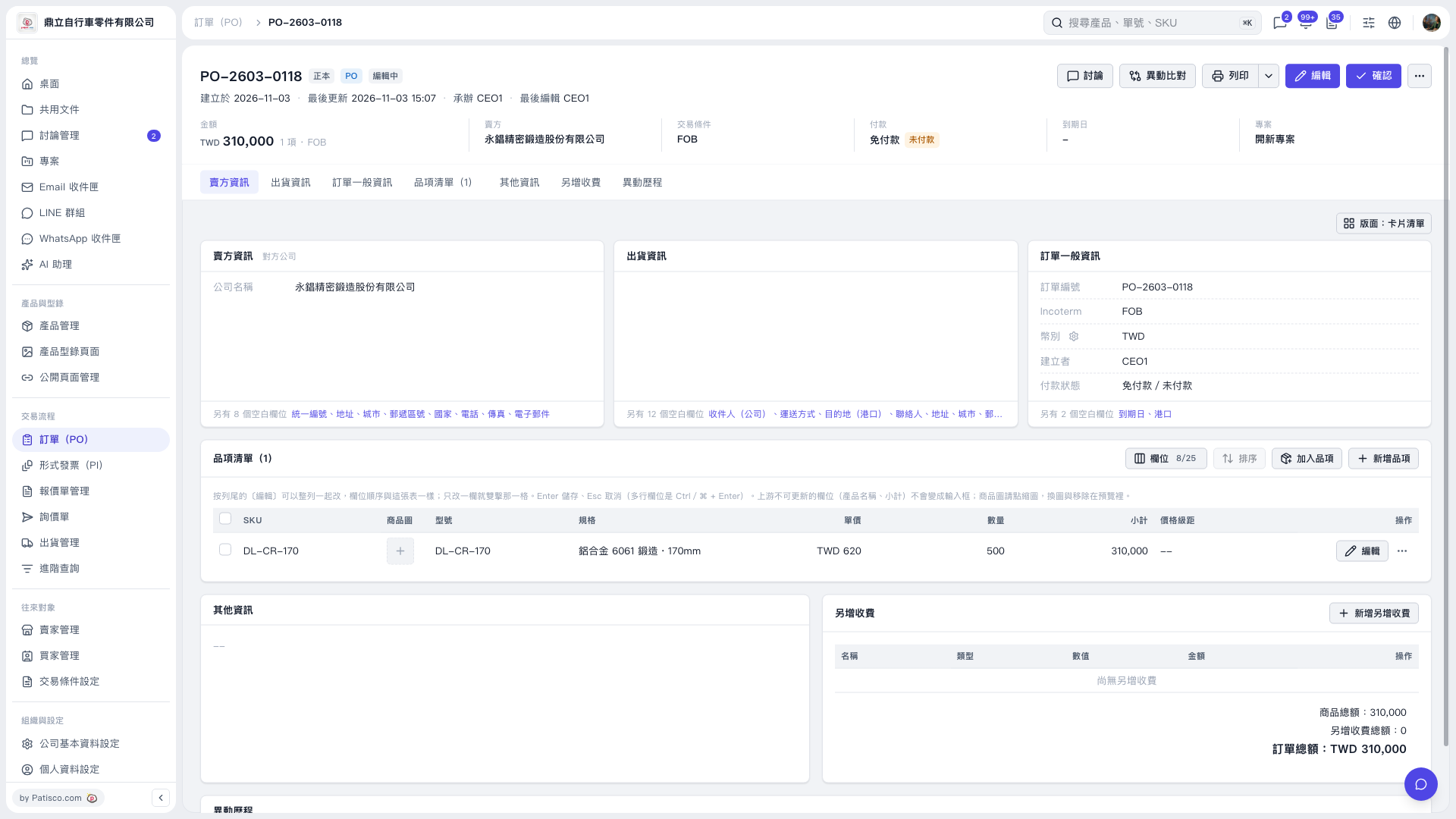
1. Open the PO you want to change and click “Edit” in the upper-right corner. 2. Edit the PO details and check the PO total and payment information. 3. When you finish editing, click “Confirm” in the upper-right corner. 4. To print, click “Print” in the upper-right corner.
 V5 新桌面版|PO–2603–0118