
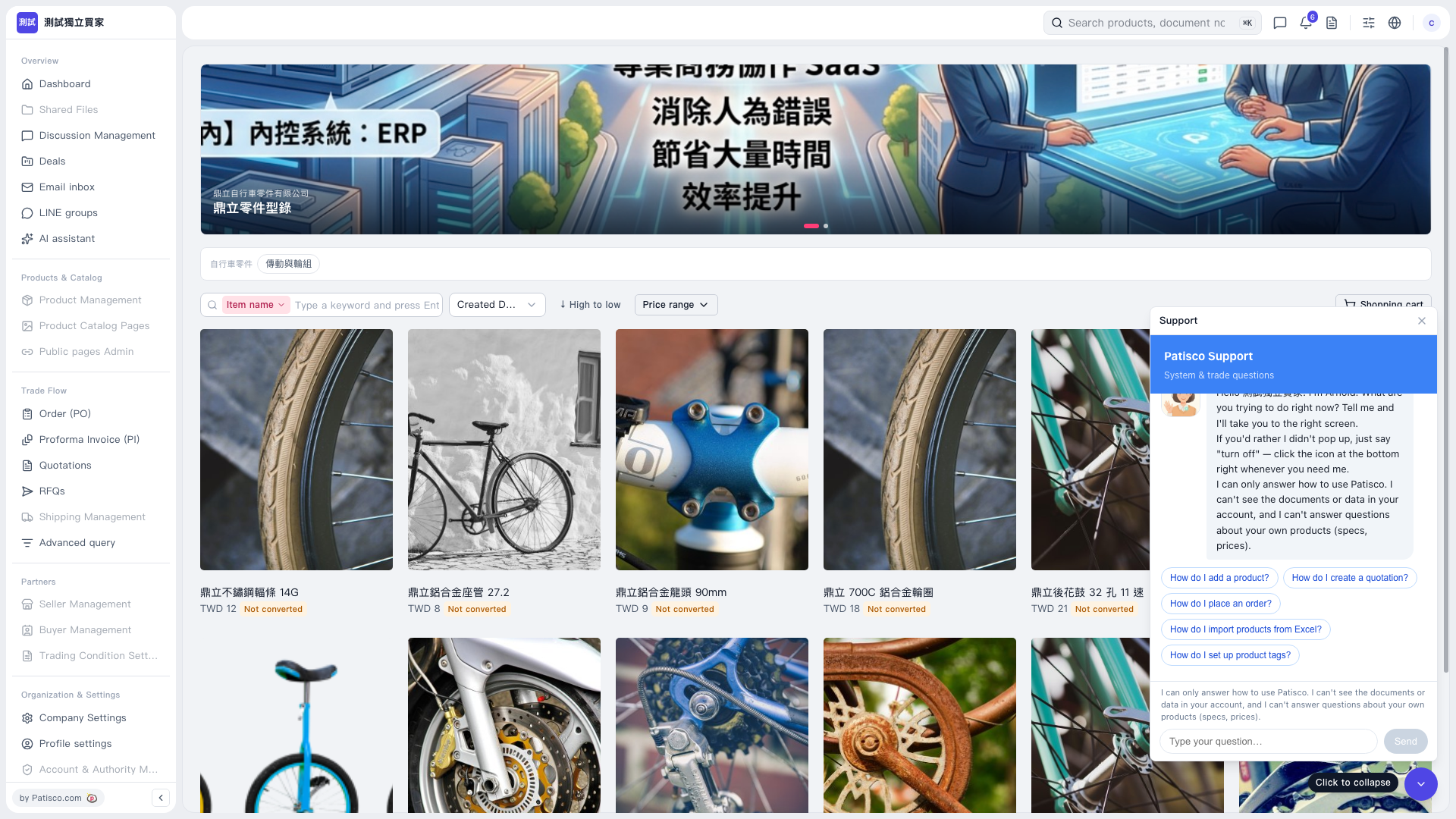
1. On the "Bicycle Parts Product Catalog" page, click "Drivetrain & Wheels" below the banner to filter products by category. 2. Enter a product keyword in the search box to the right of "Item name" and press Enter to search. 3. Use "Price range" to filter by price as needed, or change the sort field and the "↓ High to low" sort direction. The sort field currently shows "Created D…". 4. Click a product image or name to view the product you are interested in.
 V5 新桌面版|自行車零件產品型錄