
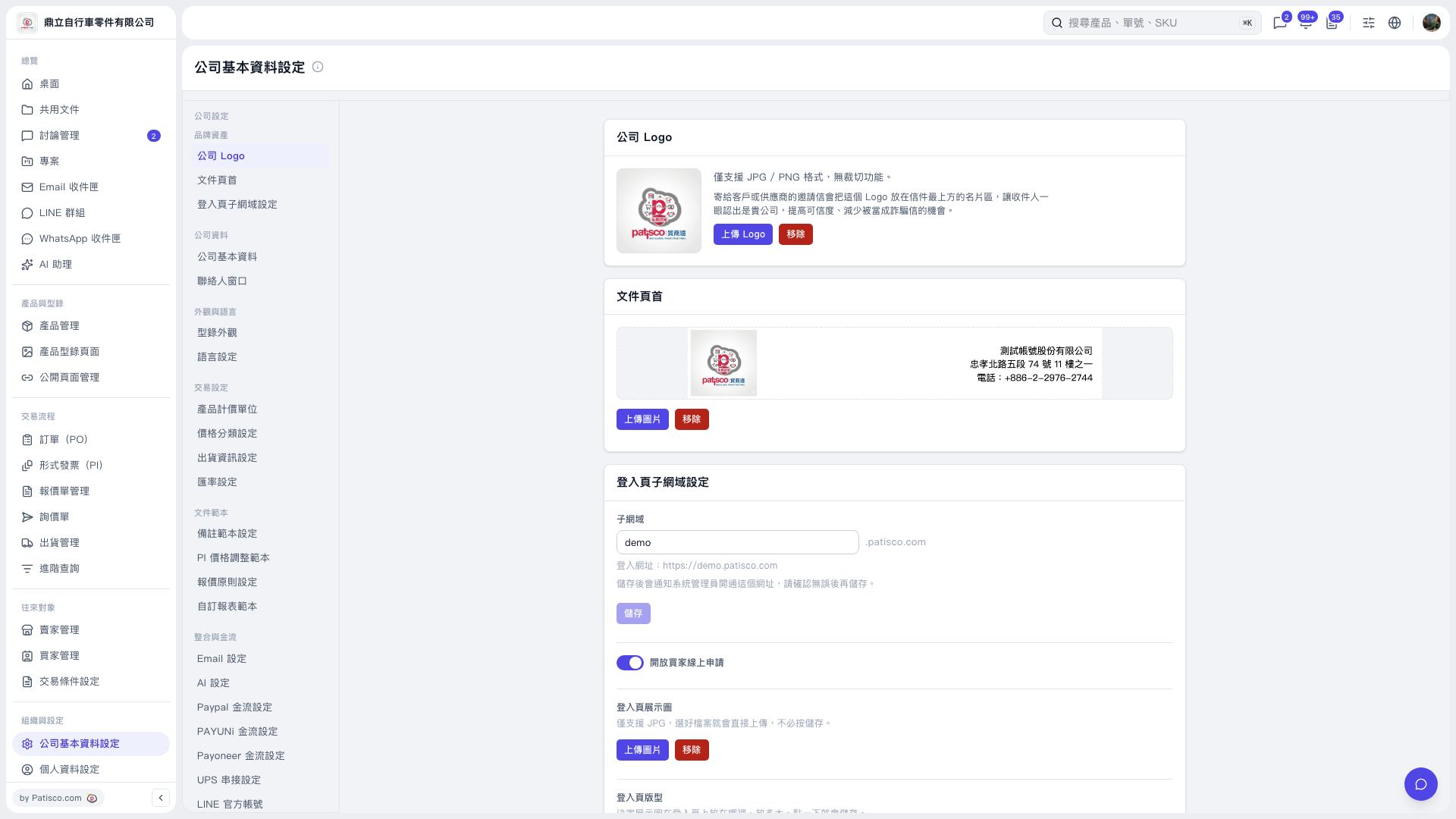
1. On the “Company Profile Settings” page, find “Integrations and Payments” in the submenu on the left. 2. Click “UPS Integration Settings,” wait for the settings to appear, and then follow the form. The current screen does not show the UPS settings fields, so the subsequent steps cannot be confirmed. 3. You can ask: “Is my UPS authorization currently connected?” The AI would reply: “UPS authorization is currently not connected. You can connect it.”
 V5 新桌面版|公司基本資料設定