
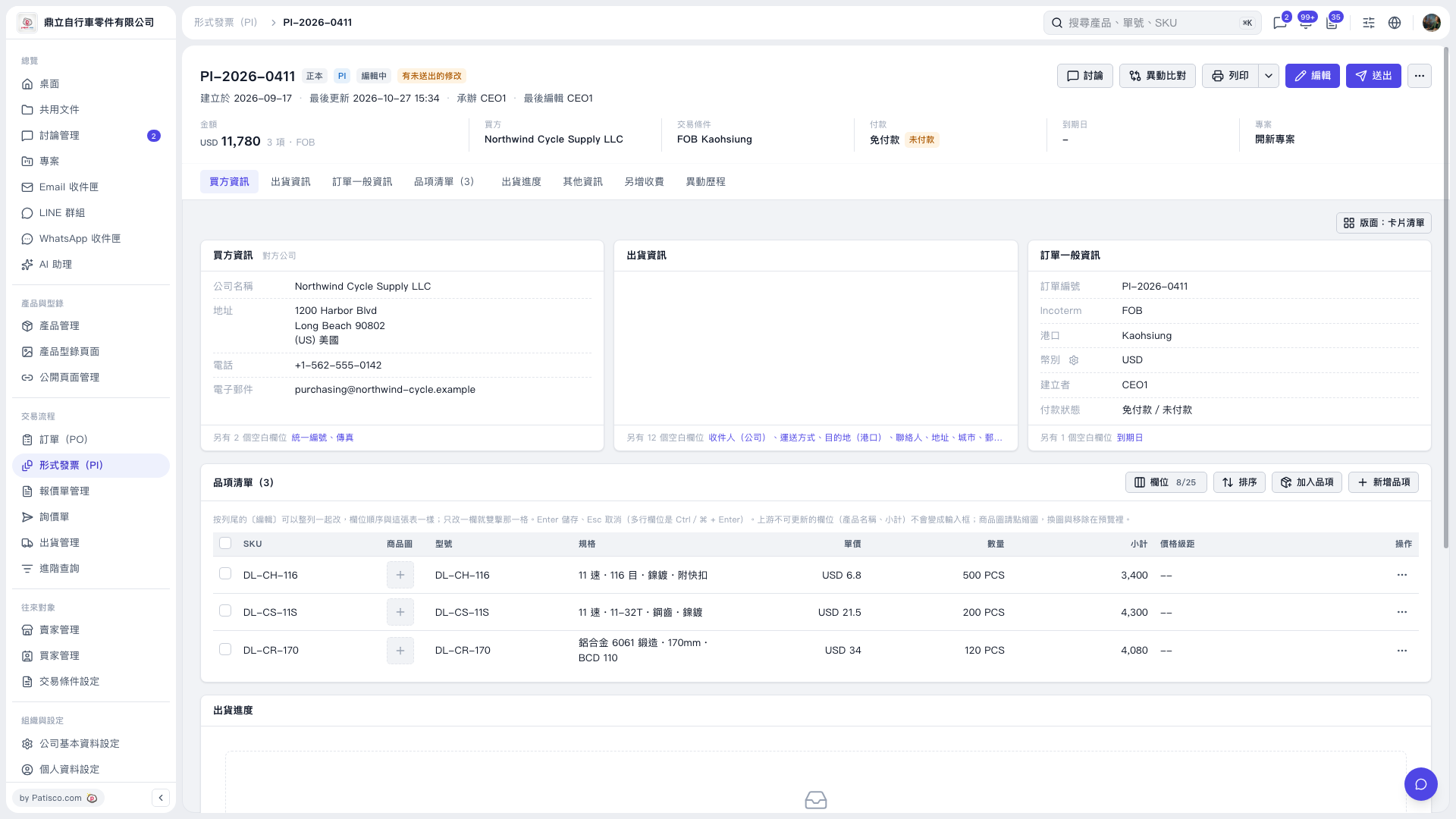
1. Open the Proforma Invoice and confirm that the number at the top is “PI–2026–0411.” 2. Check the “Payment” summary at the top, which currently shows “No Payment Required” and “Unpaid.” You can also check “Payment Status” in the “General PO Information” card on the right, or click the “General PO Information” tab at the top. 3. You can ask the AI: “Get the payment link.” In this instance, the AI replies: “Not available (may have been paid or archived).” These are possible reasons and should not be treated as confirmation that it has been paid or archived.
 V5 新桌面版|PI–2026–0411