
1. On the left side of the catalog editing page, click “Banner” to expand the settings and adjust the banner content. 2. Check the result in the preview area on the right. Click the slideshow indicator dots at the bottom center of the banner to switch between the two banner images. To enlarge the preview, click “Full Screen” in the upper-right corner of the preview area. 3. After confirming the content, click “Upload Changes” in the upper-right corner of the page so buyers can see the updates.
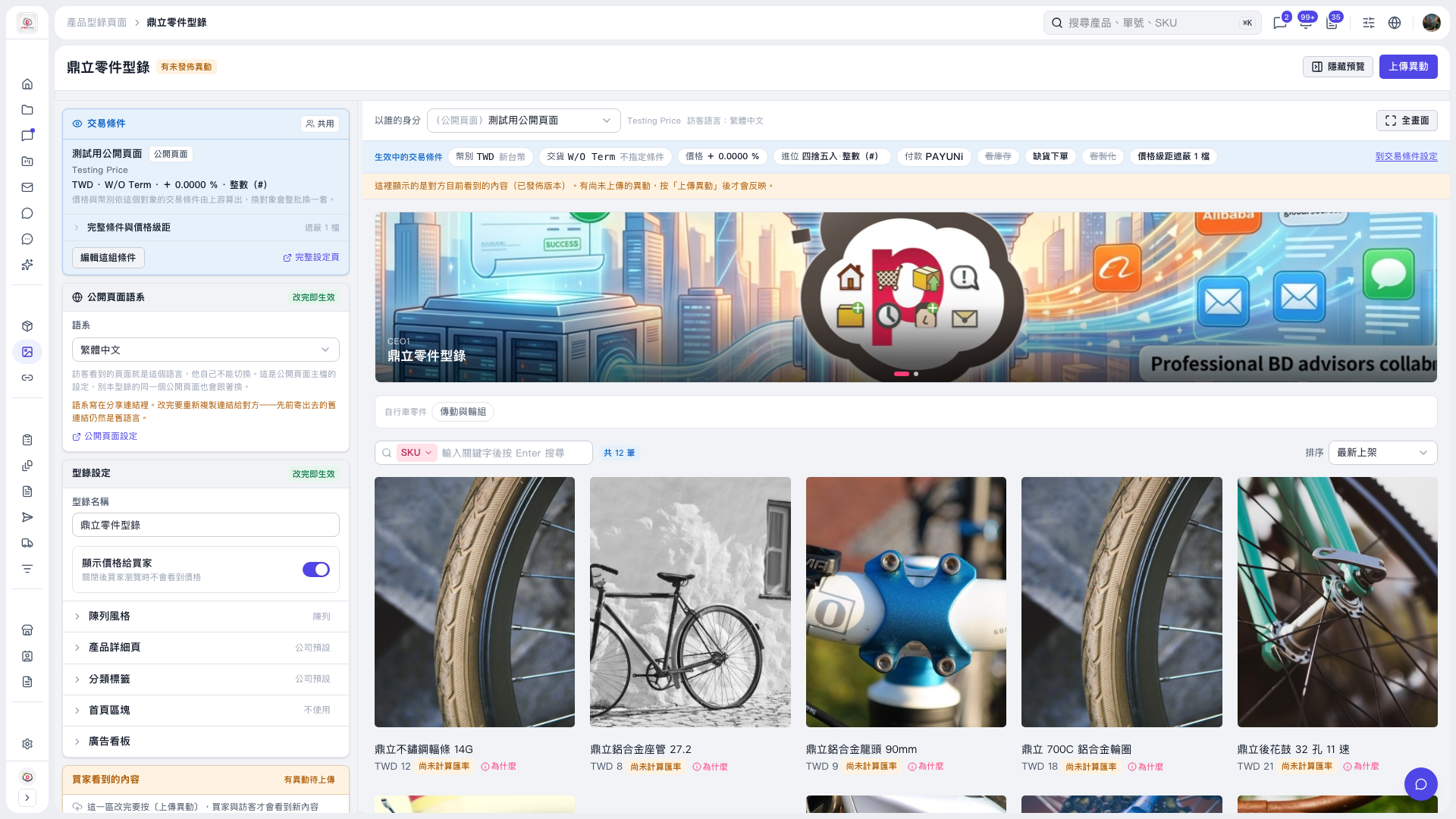 V5 新桌面版|鼎立零件型錄