
1. In the “Documents to Process” section, check the documents under “Past Due” and “Needs Sync.” 2. Click the “Document Number” of the document you want to process to view its contents. 3. After returning to the dashboard, click “Refresh” to reload the pending document list. 4. To find other POs, click “All POs,” or enter a document number in the “Search Products, Document Numbers, SKUs” search field at the top.
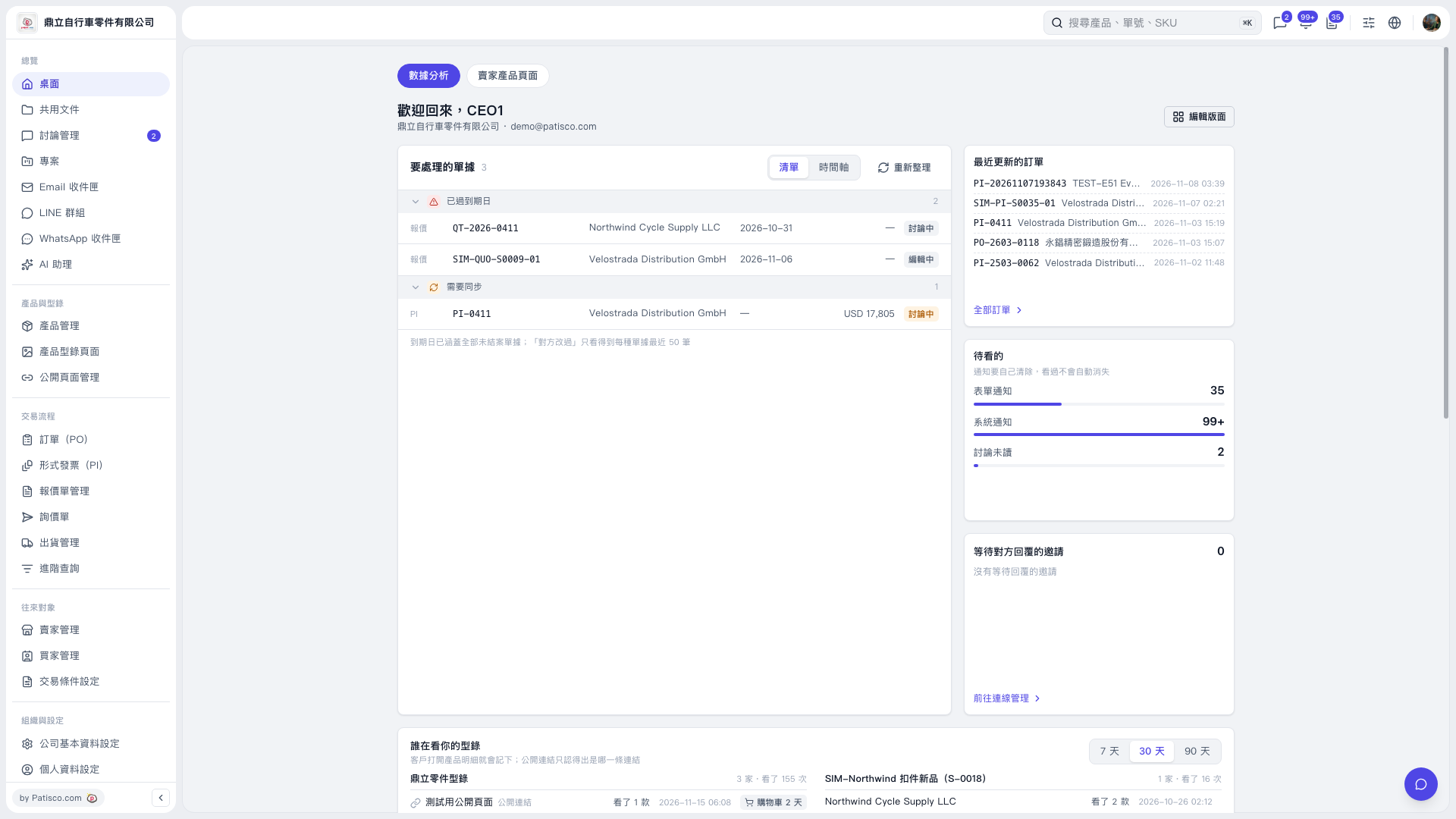 V5 新桌面版|桌面(數據分析)