
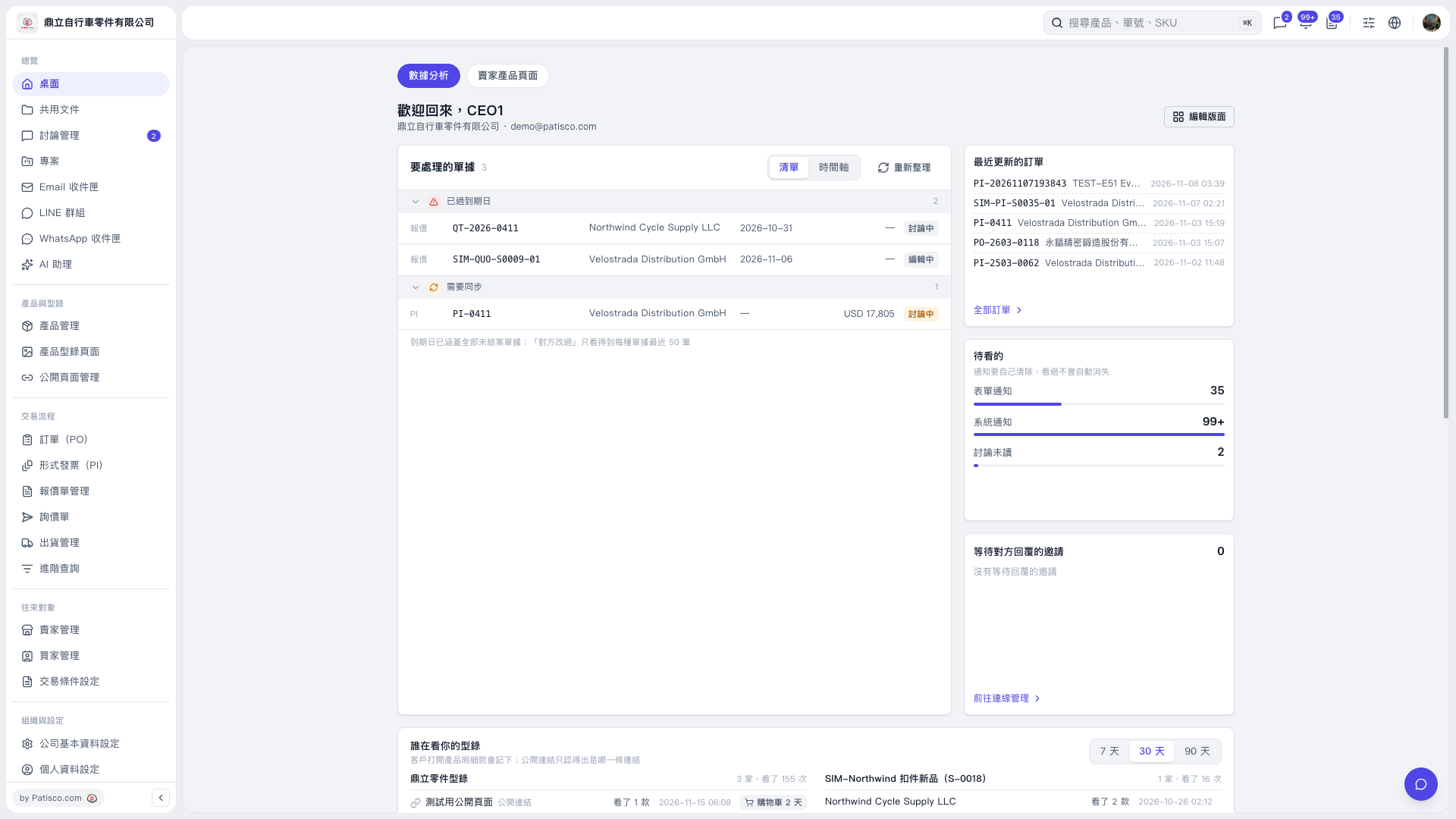
1. In the “Documents to Process” section of the dashboard, check the “Past Due” and “Needs Sync” categories. 2. Find the items you need to process by document number, trading partner company, due date, and document status. 3. Click the document you want to process to open its details and take further action. 4. After returning to the dashboard, click “Refresh” to view the latest data. 5. To view other POs, click “All POs” on the right.
 V5 新桌面版|歡迎回來,CEO1