1. On the “Projects” page, click “New Project” in the upper-right corner. 2. Follow the instructions on the subsequent screens to create the project. You can create it without linking a document or selecting a business contact.
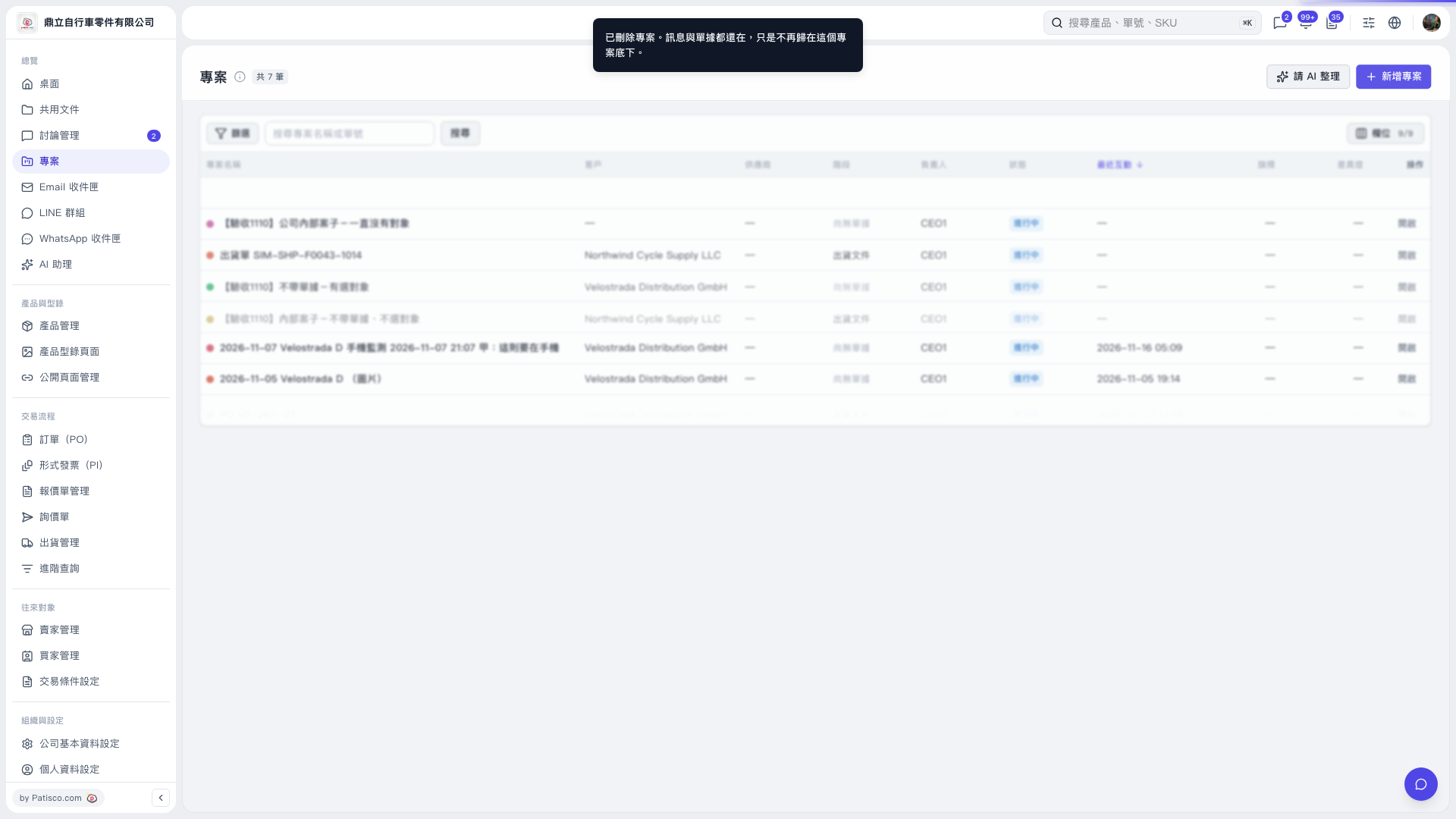 V5 新桌面版|專案

1. On the “Projects” page, click “New Project” in the upper-right corner. 2. Follow the instructions on the subsequent screens to create the project. You can create it without linking a document or selecting a business contact.
V5 新桌面版|專案