
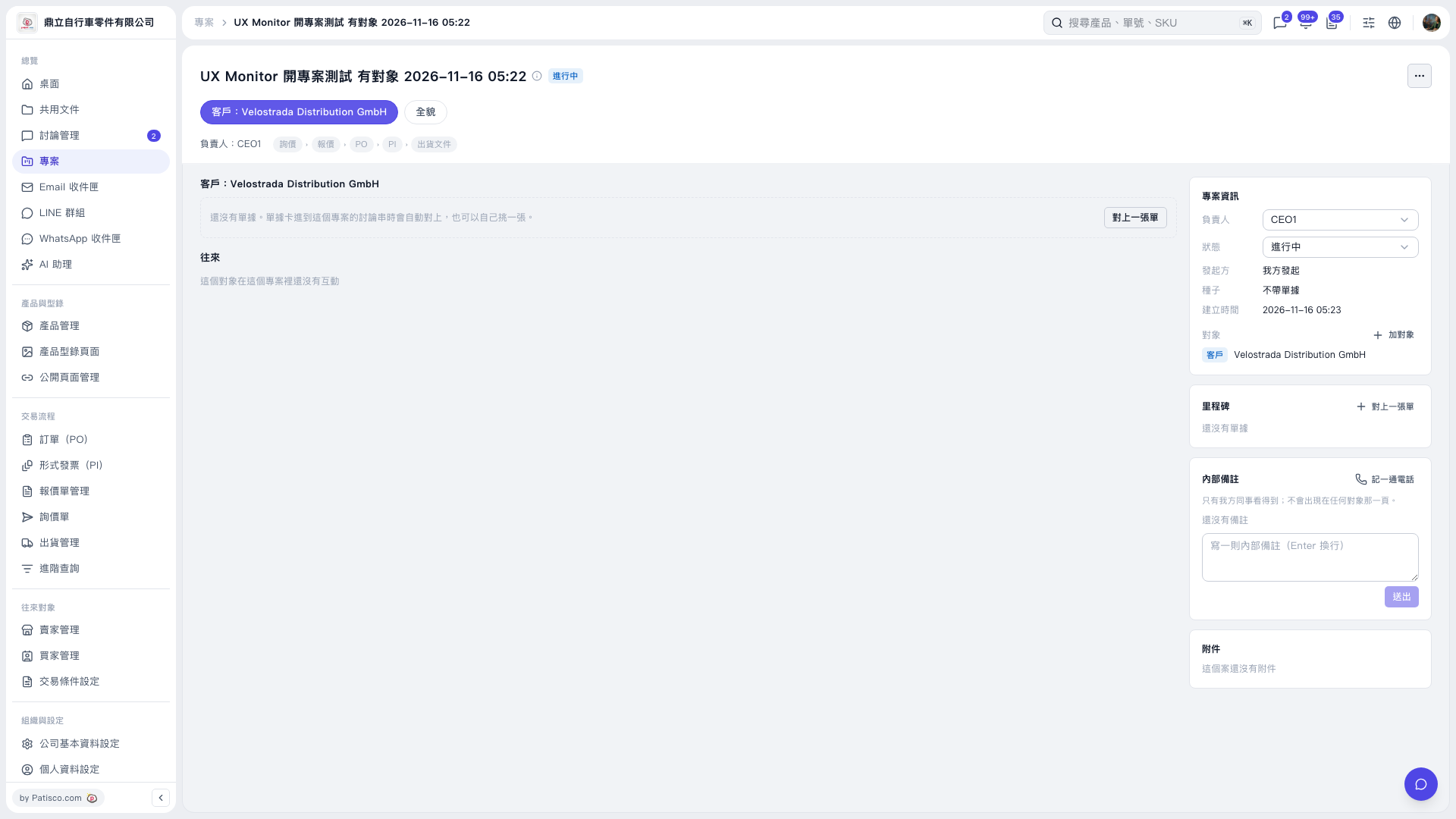
1. Open the project, confirm that the customer is the party you want to link the document to, and check “Person in Charge” and “Status” on the right. 2. Click “Link a Document” on the right side of the central customer section or in the “Milestones” section on the right to link an existing document to this project. 3. The screen also indicates that a document will be linked automatically when its document card is added to this project’s discussion thread.
 V5 新桌面版|UX Monitor 開專案測試 有對象 2026–11–16 05:22